
How to Register a .co.za Domain and Point It to Your Hosting
A .co.za domain is the standard web address for South African businesses. It tells your customers you're local, it's affordable, and it's what most South African users expect to see. If you already know which domain you want, this guide walks you through registering it and connecting it to your website. If you'd prefer Dev3 Studio to handle registration for you, just let us know -- we're happy to take care of it.
Before You Begin
- Your desired domain name (check availability first -- you'll do this in Step 1).
- A valid email address. You'll receive important domain correspondence here, including renewal reminders.
- A payment method -- credit card, debit card, or EFT (most South African registrars support all three).
- Your company or personal details for the registrant record (company name, address, contact number).
One thing worth knowing: .co.za domains don't strictly require a registered business. Individuals can register them too. If you're a sole proprietor or freelancer, you can use your own name as the registrant.
Expected Costs and Timing
.co.za domains are usually inexpensive, but the retail price depends on the registrar, promotions, renewal rate, and VAT. Check the registrar's current pricing—for example, the Domains.co.za domain search—and compare the renewal price as well as the first-year offer.
Registration is often completed quickly after payment and registry processing, but timing is not guaranteed. DNS updates are controlled by record TTLs and resolver caches, so changes may appear at different times for different users rather than following one universal propagation window.
Step 1: Check If Your Domain Is Available
Go to a registrar like Domains.co.za and search for the domain you want. The search will tell you immediately whether it's available.
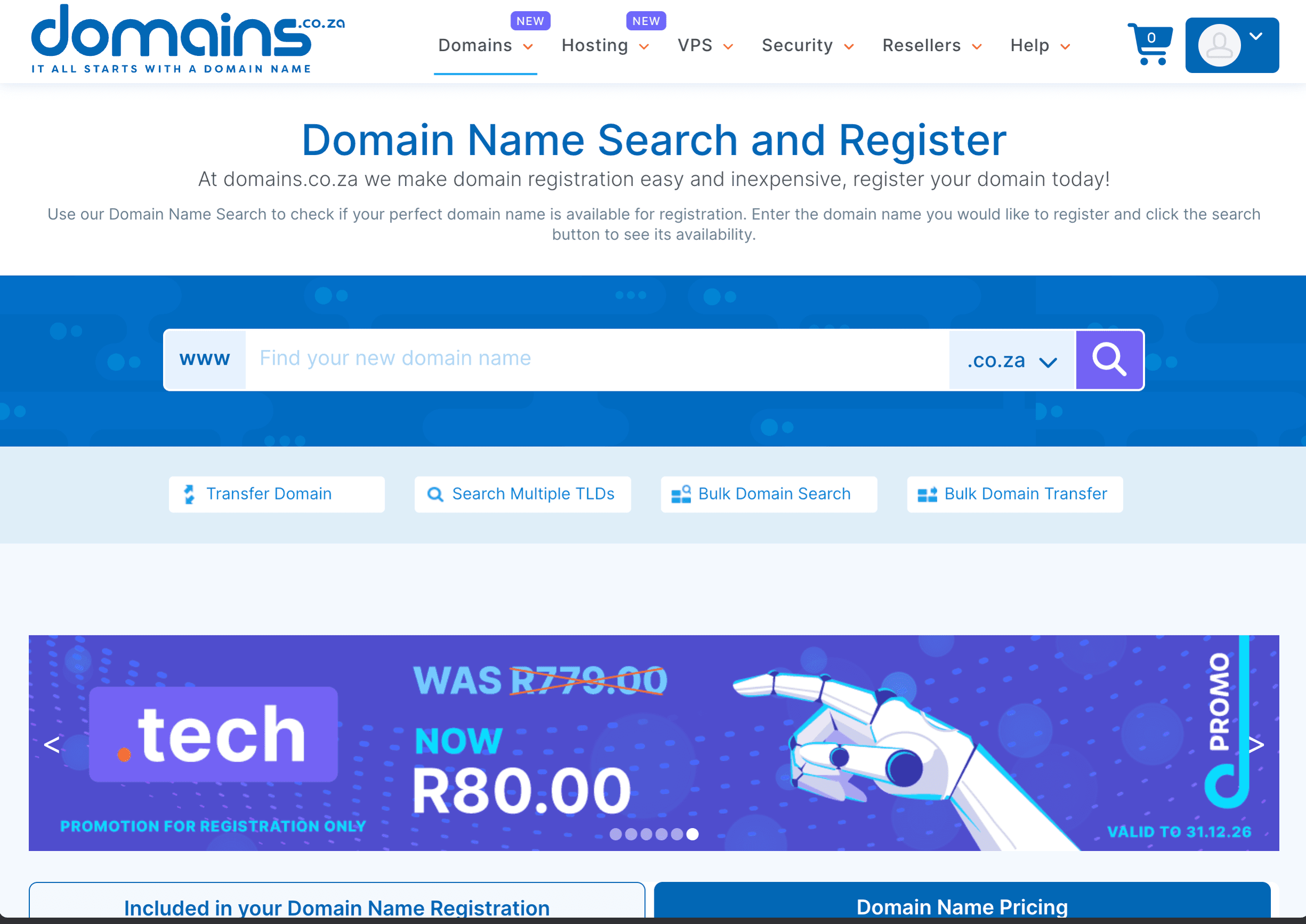
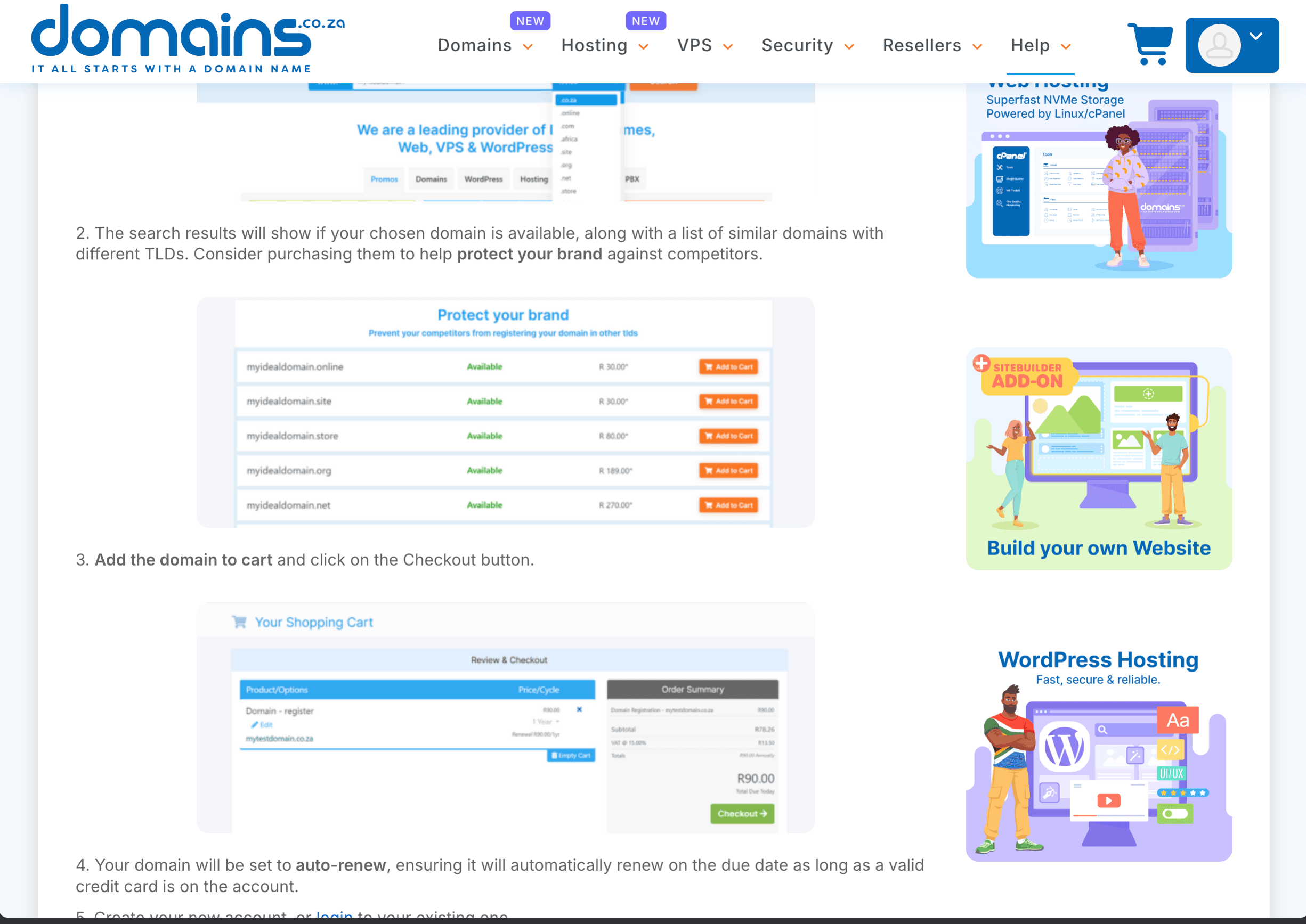
If it's taken, try variations -- but don't stray too far from your business name. Your domain should be easy for customers to remember and type.
Step 2: Choose a Registrar
For .co.za domains, popular and reliable South African registrars include:
- Domains.co.za -- domain registration and related services.
- Afrihost -- domains alongside hosting and email services.
- 1-grid -- domains, hosting, and email packages.
- xneelo -- the South African hosting provider previously known as Hetzner South Africa.
All are legitimate choices. Dev3 Studio often uses Domains.co.za for its simplicity, but any accredited registrar will work fine.
Step 3: Create an Account With Your Registrar
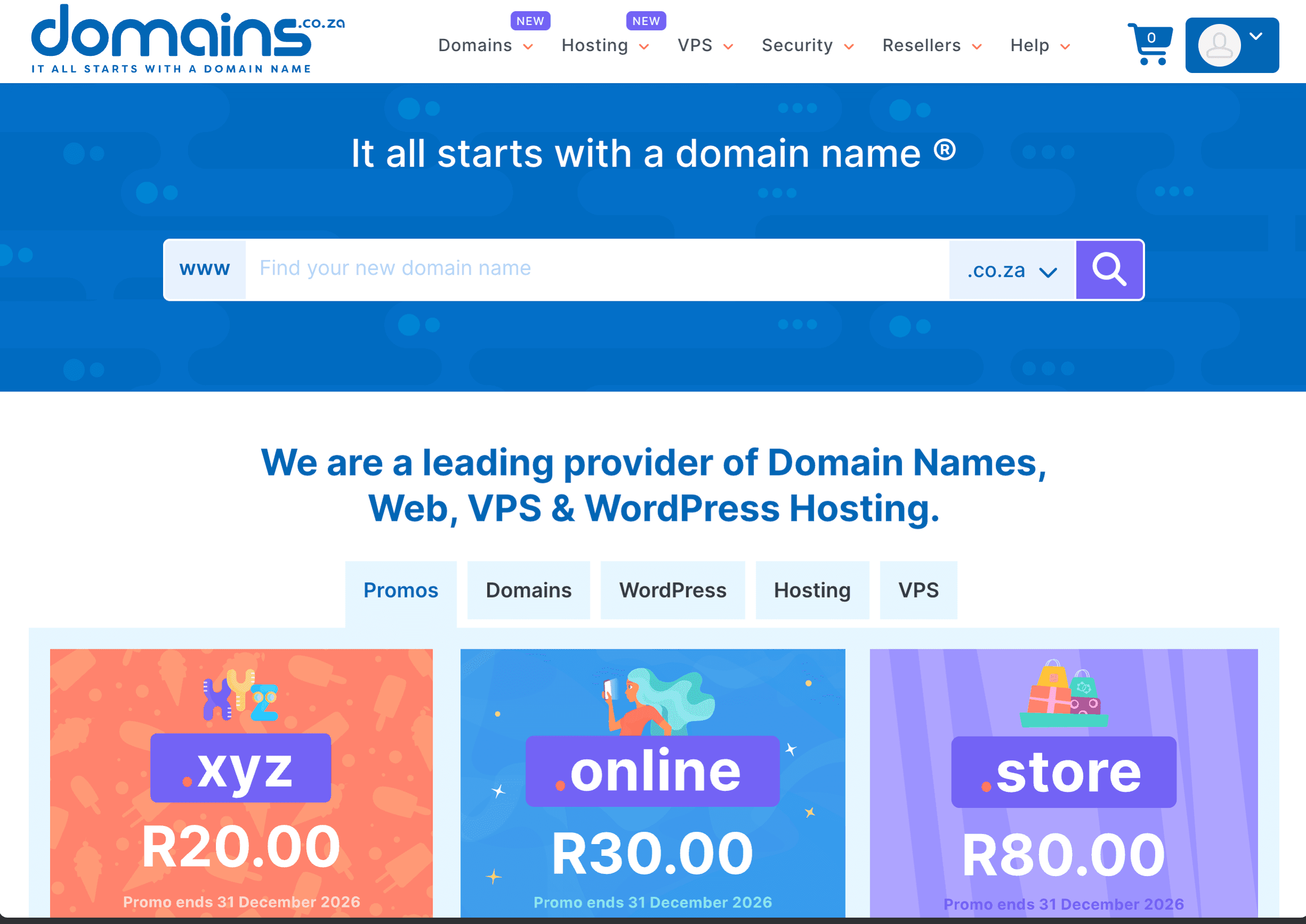
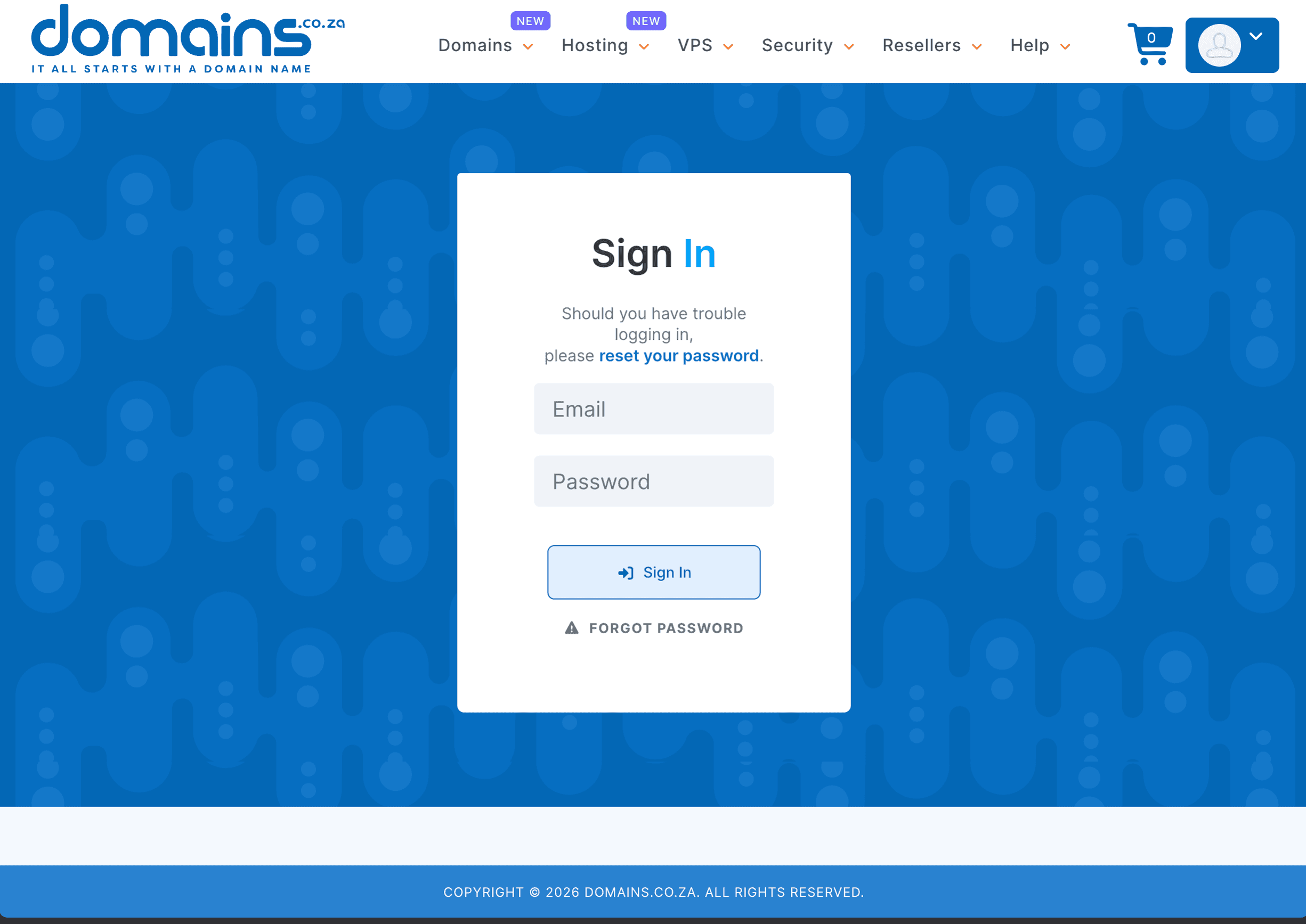
Sign up with your email address and set a strong password. Use a company email address if you have one -- this is the address that will receive domain renewal reminders and important notices about your domain.
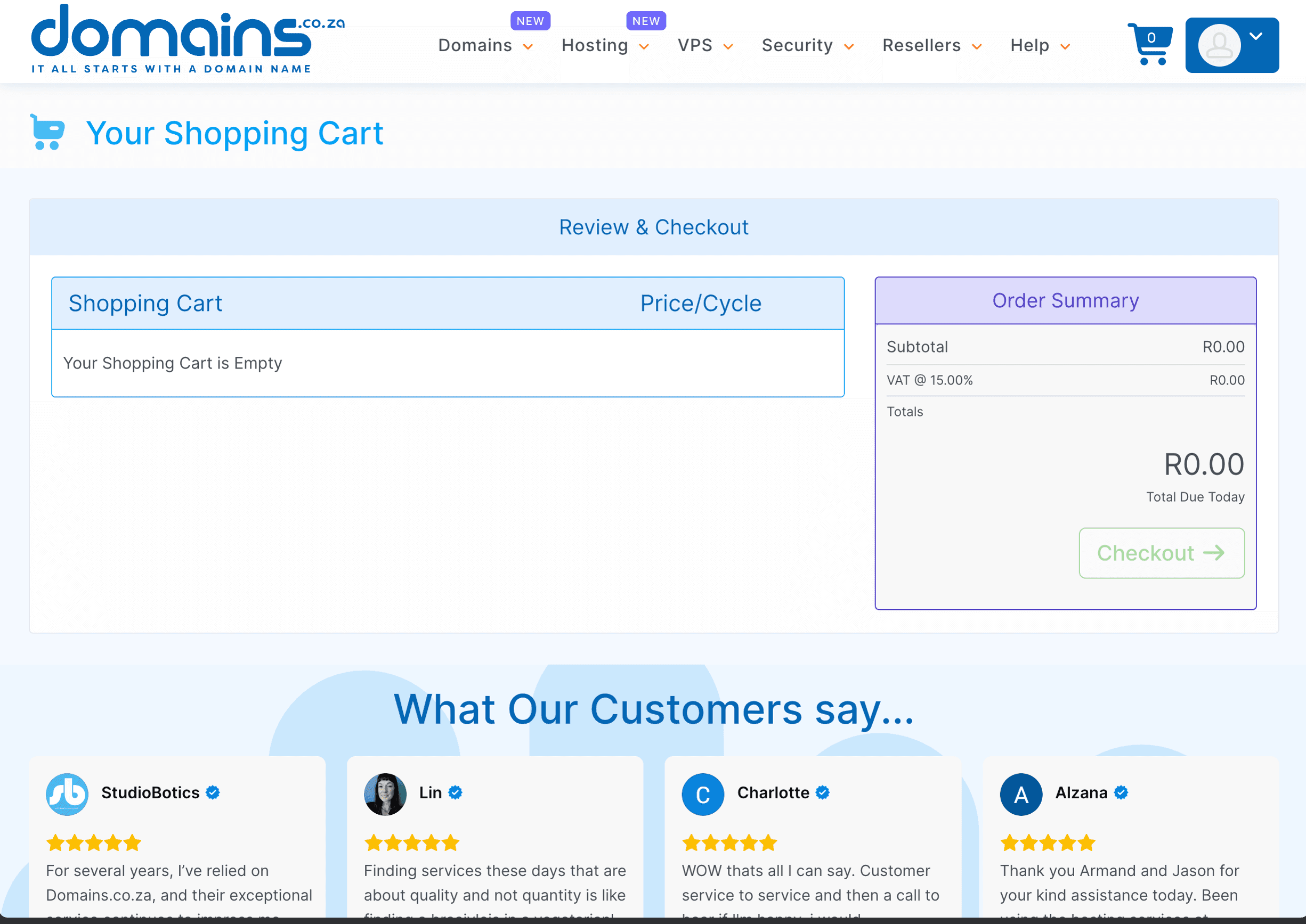
Step 4: Add the Domain to Your Cart and Check Out
Select your registration period. One year is standard, but choosing two or three years saves you from worrying about annual renewals. Review the price and any add-ons offered. You generally don't need extras like "premium DNS" or "website builder" -- Dev3 Studio handles DNS and builds your site separately.
Step 5: Enter Your Registrant Details
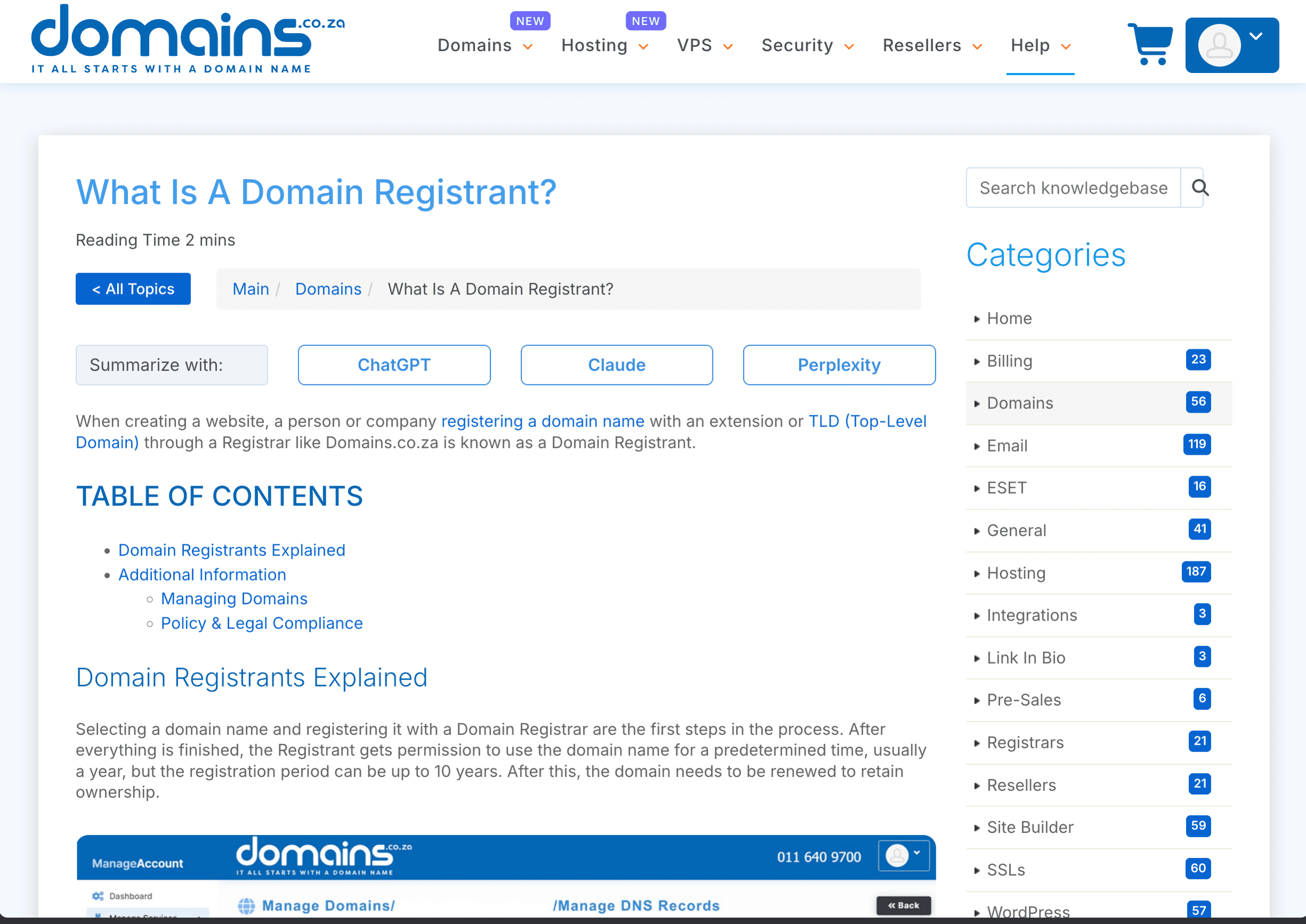
Fill in the registrant information carefully. The registrant is the individual or entity that enters into the registration agreement with the registrar, so for a business-controlled domain use the correct company details and a company-managed email address. The agreement and applicable registry policy determine the registrant's rights and responsibilities.
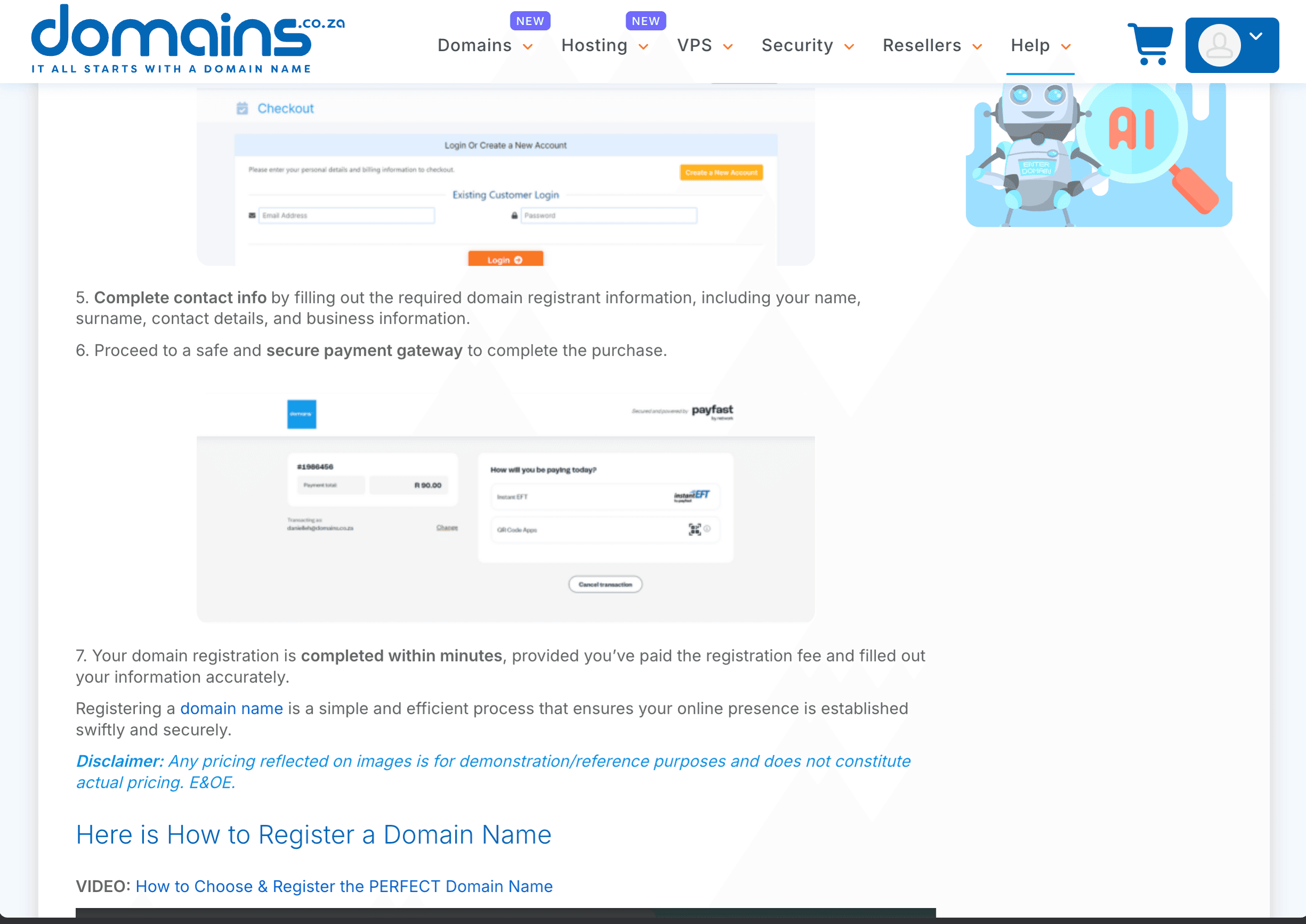
Step 6: Complete Payment
Pay via credit card, debit card, or EFT. You'll receive a confirmation email once payment is processed. Save this email -- it contains your domain details and often your registrar login information.
Step 7: Enable Auto-Renewal
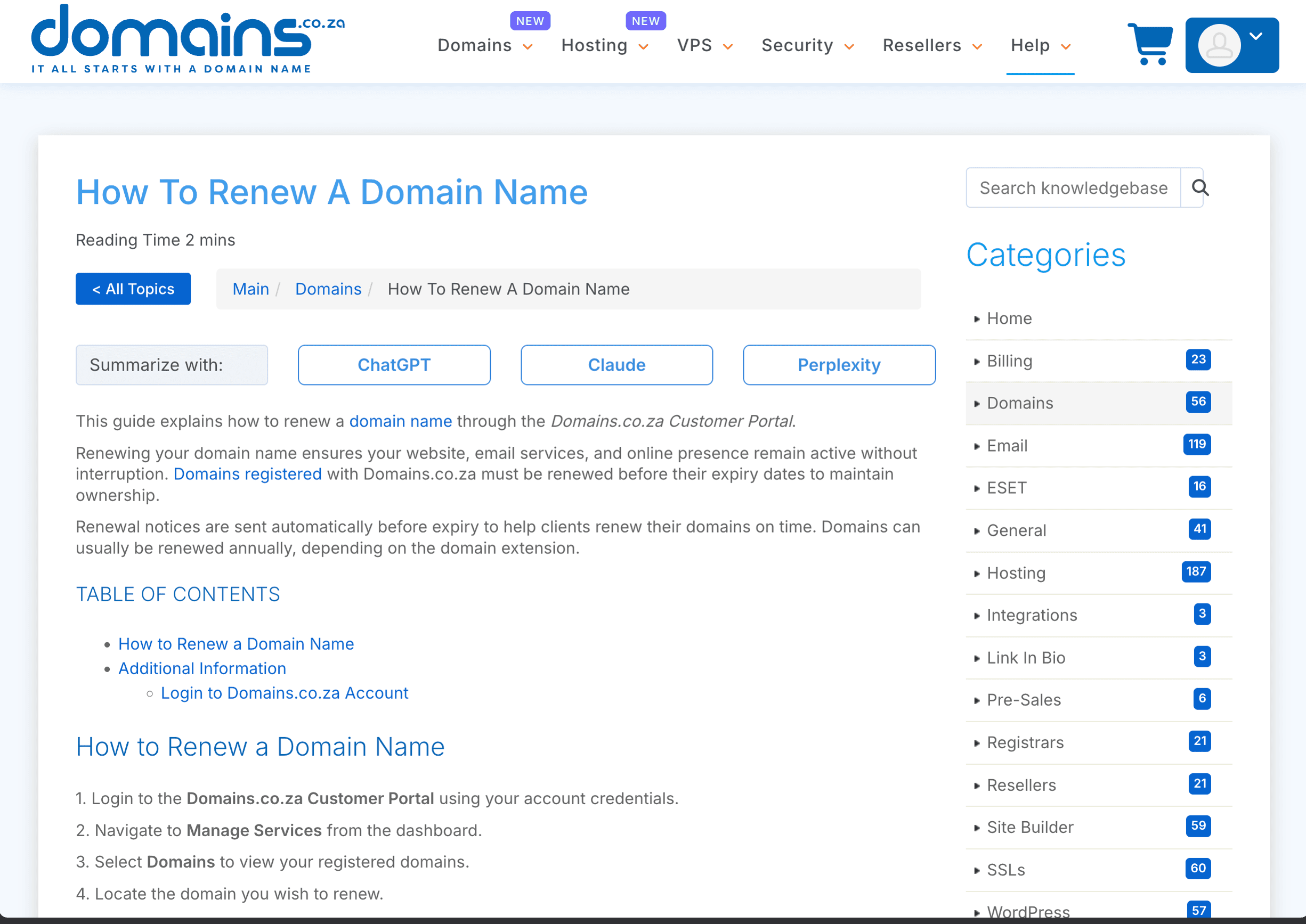
This step is easy to overlook, but it matters. Go to your registrar's domain management panel and make sure auto-renewal is turned on. If your domain expires and you don't renew it in time, someone else could register it. It's a small annual cost that protects a critical business asset.
Step 8: Point the Domain to Your Hosting
This is the technical step where your domain gets connected to your actual website. There are two common approaches:
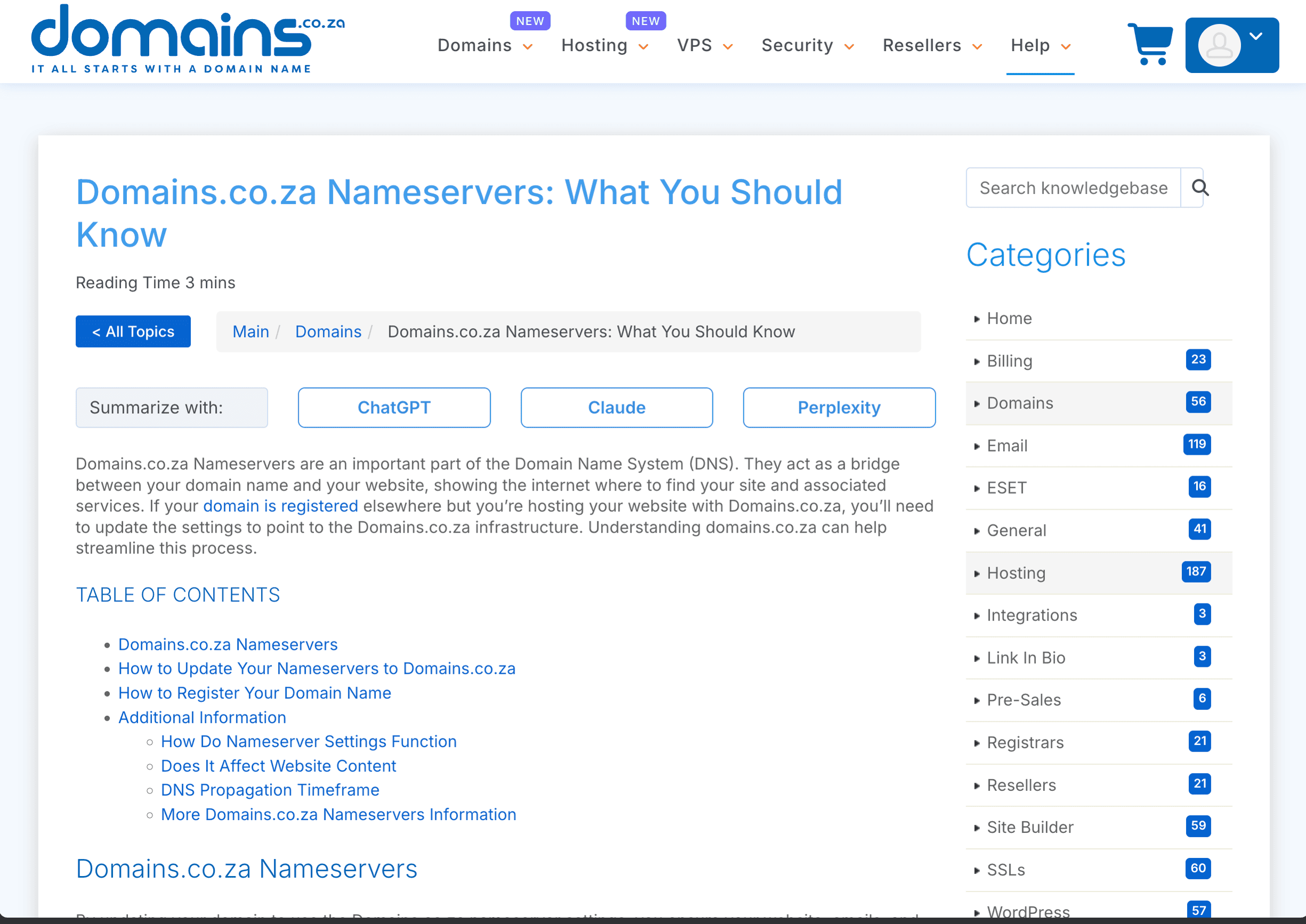
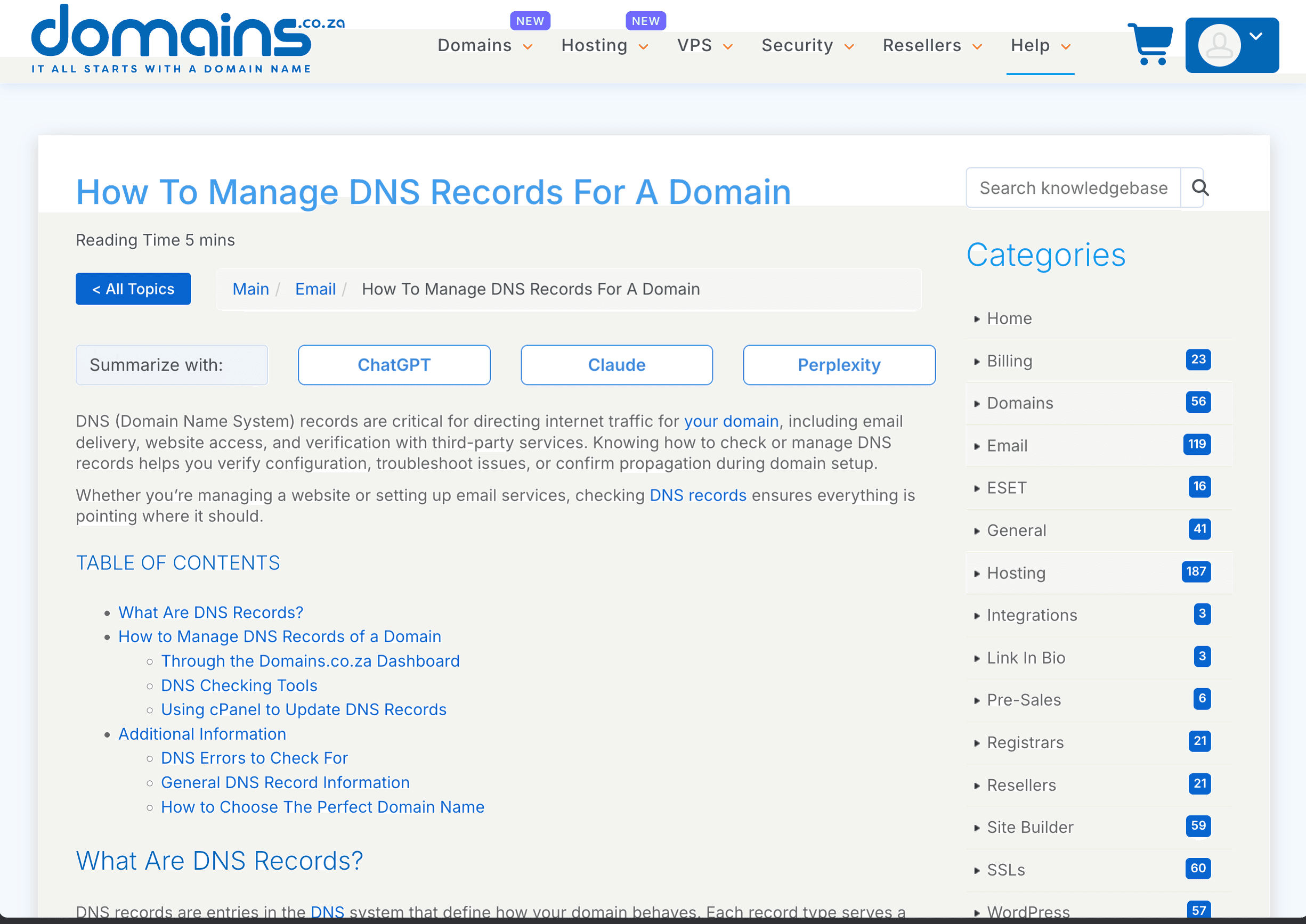
- Update nameservers -- If you're using Cloudflare (which Dev3 Studio typically recommends), you'll change the nameservers at your registrar to point to Cloudflare. We have a separate guide for this process.
- Update DNS records directly -- If you're not using Cloudflare, you'll add A records or CNAME records at your registrar that point to your hosting provider's servers.
Dev3 Studio handles this step for you. Just let us know when the domain is registered, and we'll configure the DNS to point to your hosting. If we're managing your Cloudflare account, we'll walk you through updating the nameservers (or do it together on a call).
Step 9: Set Up Email (Optional)
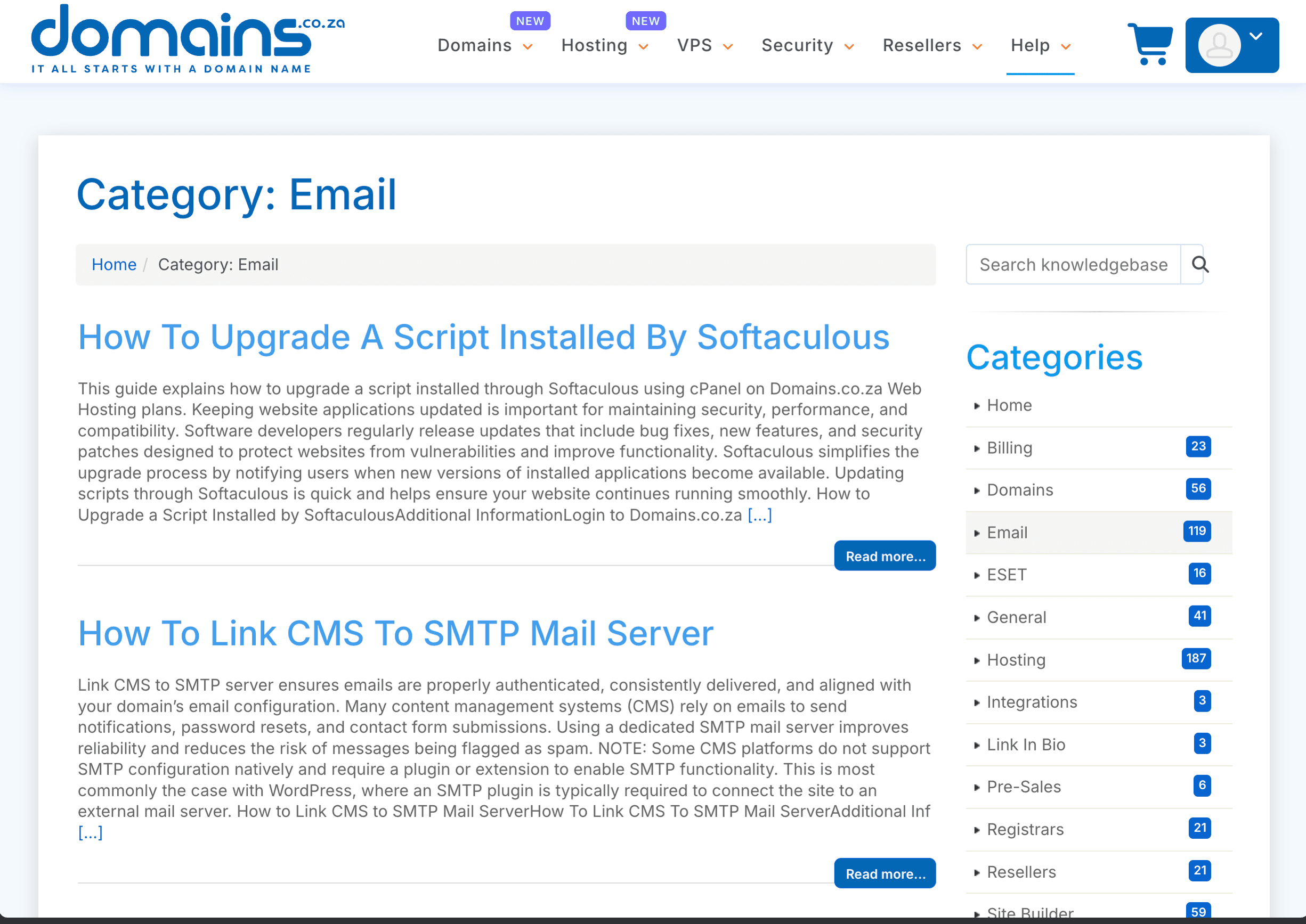
Once your domain is active, you can set up professional email addresses like info@yourcompany.co.za. This requires a separate email hosting service -- Google Workspace and Microsoft 365 are the most common options. Dev3 Studio can help you set this up if needed.
Step 10: Verify Everything Is Working
After DNS changes have propagated (usually a few hours, sometimes up to 48), type your domain into a browser and confirm your website loads. Check that:
- The site loads without errors.
- The padlock icon (SSL/HTTPS) appears in the address bar.
- Email is sending and receiving (if you set it up).
Dev3 Studio verifies all of this as part of our setup process.
Completion Checklist
Troubleshooting
- "My domain isn't showing my website yet" -- DNS propagation can take up to 48 hours. If it's been longer, check that your nameservers or DNS records are correct. Contact Dev3 Studio and we'll take a look.
- "I see a 'this site can't be reached' error" -- The domain isn't pointed to any server yet, or DNS hasn't propagated. Let Dev3 Studio know and we'll check the configuration.
- "My domain expired" -- Contact the registrar immediately. Renewal, suspension, deletion, and recovery timelines depend on the
.co.zaregistry policy and your registrar's agreement, and additional fees may apply. - "I registered the domain but can't find my login" -- Check the confirmation email from your registrar. If you can't find it, contact the registrar's support with your registration details.
Related Guides
- How to Connect a Domains.co.za Domain to Cloudflare
- How to Create a Cloudflare Account
- How to Choose and Register a Domain Name
Registering a .co.za domain is one of the simplest steps in getting your business online, and it's one of the most important. If you'd like Dev3 Studio to handle registration and DNS configuration for you, just send us the domain name you want -- we'll take it from there.