Understanding Your Monthly Hosting and Cloud Costs
Every app and website needs a home on the internet. That home is a server — a computer in a data centre that's always switched on, always connected, and always ready to serve your users. Think of it like renting office space instead of building your own: you get a professional, well-maintained environment without having to worry about the wiring, the air conditioning, or the security guards.
The monthly costs you see on your invoices are the rent for that space, plus the electricity and services that keep everything running. This article walks you through what those costs actually mean, what's normal, and how Dev3 Studio keeps them as low as possible.
How Cloud Billing Works
Most modern hosting follows a "pay for what you use" model, similar to your electricity bill. You don't pay for the whole power station — you pay for the kilowatt-hours your business actually consumes. Cloud hosting works the same way.
Here are the main things you're paying for:
- Compute — processing power. Every time a user opens your app, a server does work to respond. More users means more work, which costs more.
- Storage — how much data you keep. Your database, uploaded files, images, and backups all take up space.
- Bandwidth — data transferred to your users. Every page load, image download, and API call sends data across the internet.
- Add-on services — things like managed databases, email delivery, content delivery networks (CDNs), and authentication services.
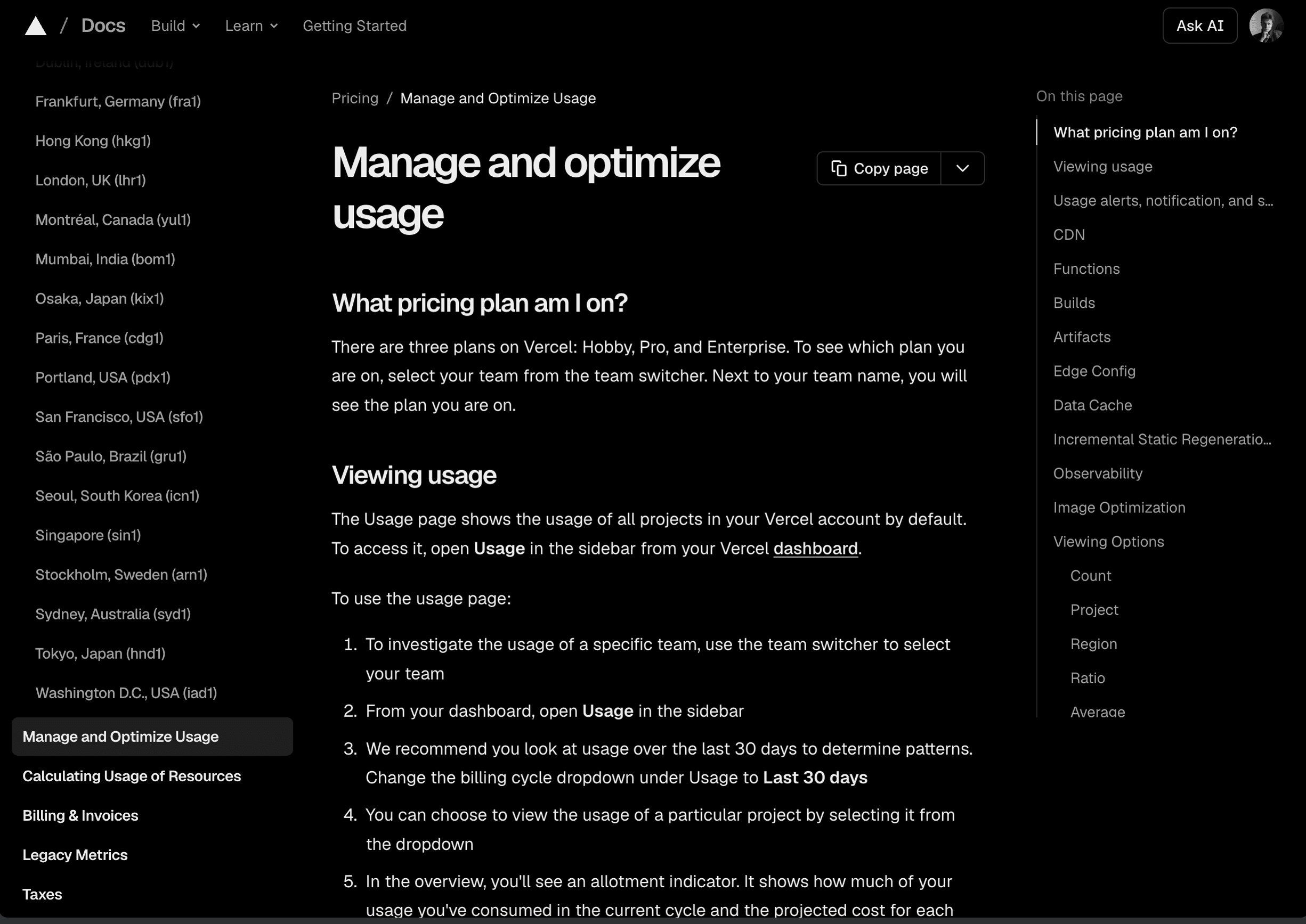
Some platforms, like Vercel, offer predictable flat-rate plans that work well for smaller projects. Others, like AWS, are almost entirely usage-based. Dev3 Studio chooses the right mix for your project so you get reliability without overspending.
Common Services and What They Typically Cost
Here's an honest overview of the services Dev3 Studio commonly sets up for clients, along with what you can expect to pay. Prices were checked on 18 July 2026, but plans, exchange rates, regional pricing, usage allowances, and VAT can change. Use the embedded provider links for current quotes before making a purchasing decision.
Domain Names
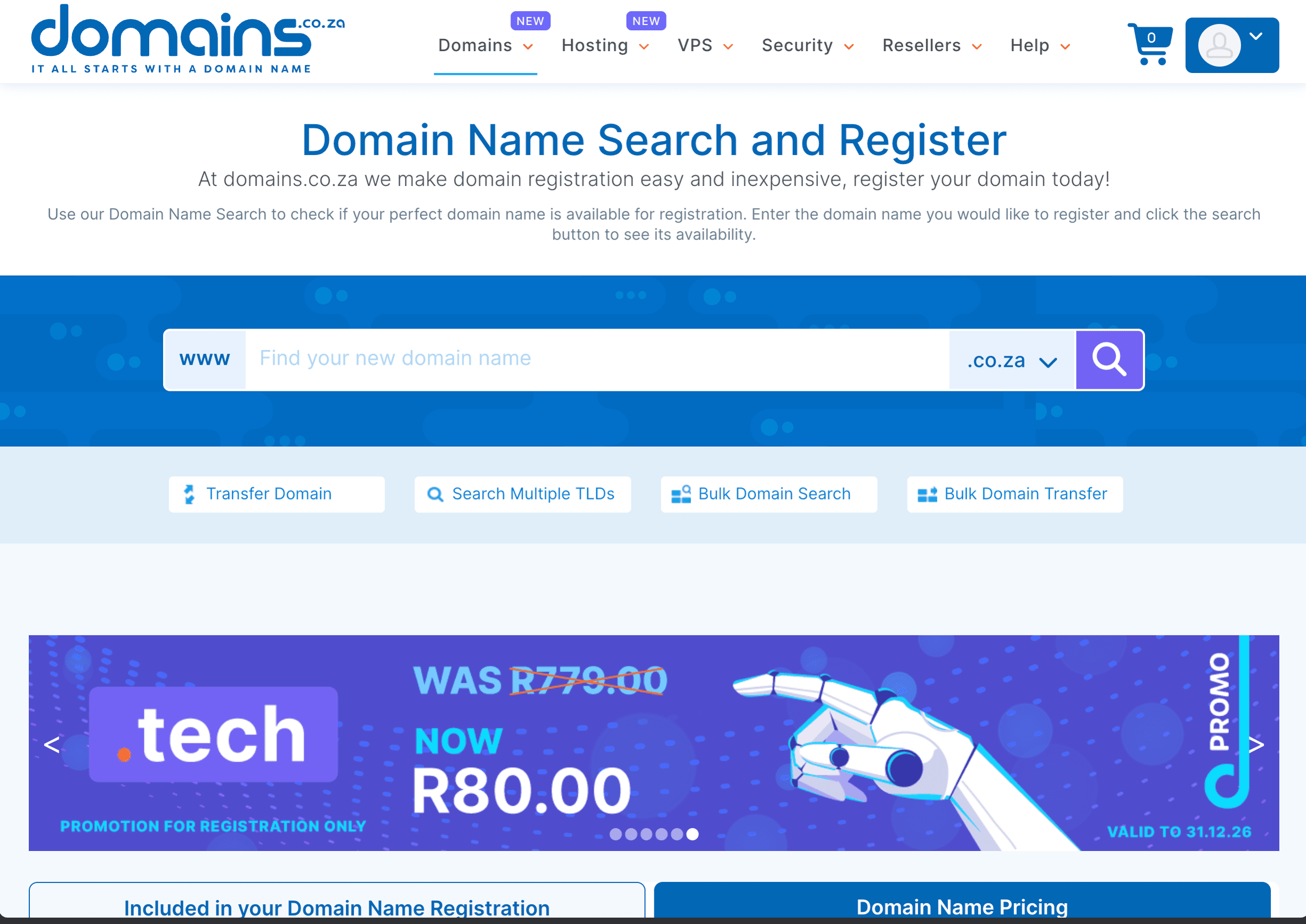
Your domain name (like yourcompany.co.za) is your address on the internet. It's renewed annually.
- .co.za domains: commonly around R100–300 per year at retail registrars
- .com domains: commonly around $10–20 per year before optional services and local taxes
Cloudflare
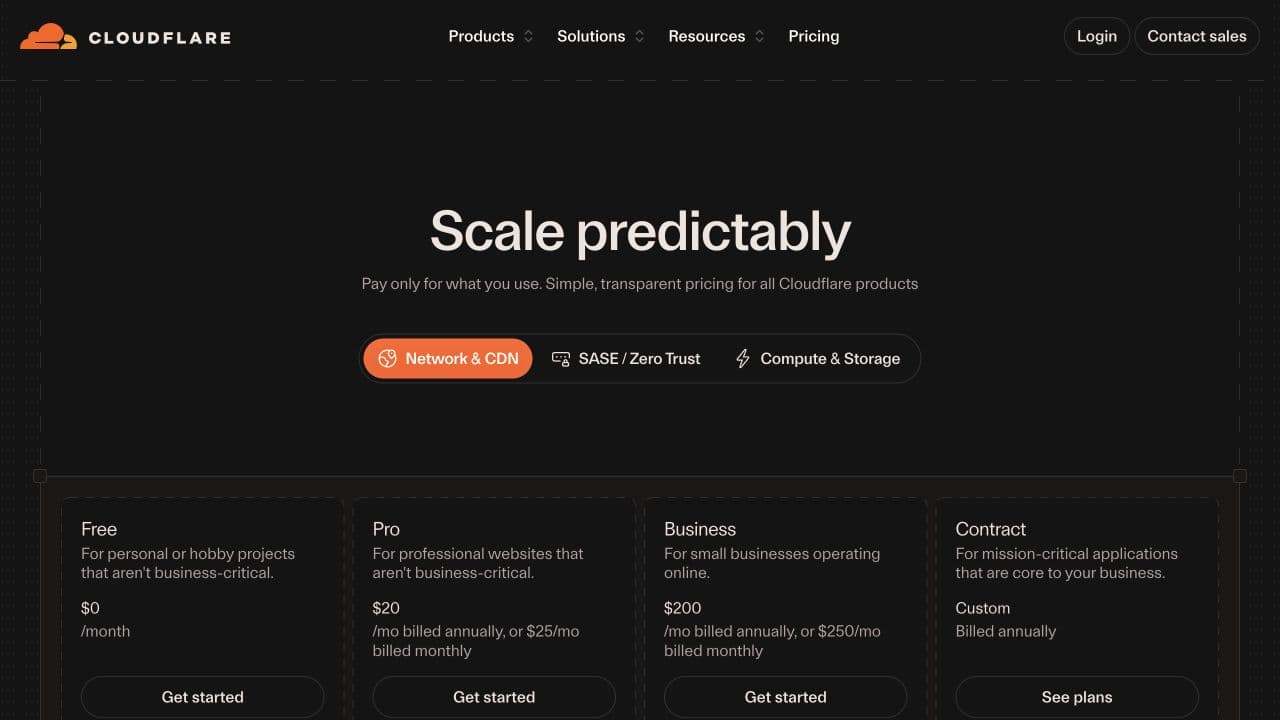
Cloudflare protects and speeds up your website. It sits between your users and your server, blocking attacks and caching content so pages load faster.
- Free plan: includes DNS, CDN, Universal SSL, and unmetered DDoS protection
- Pro plan: $20/month when billed annually or $25 month-to-month
Vercel
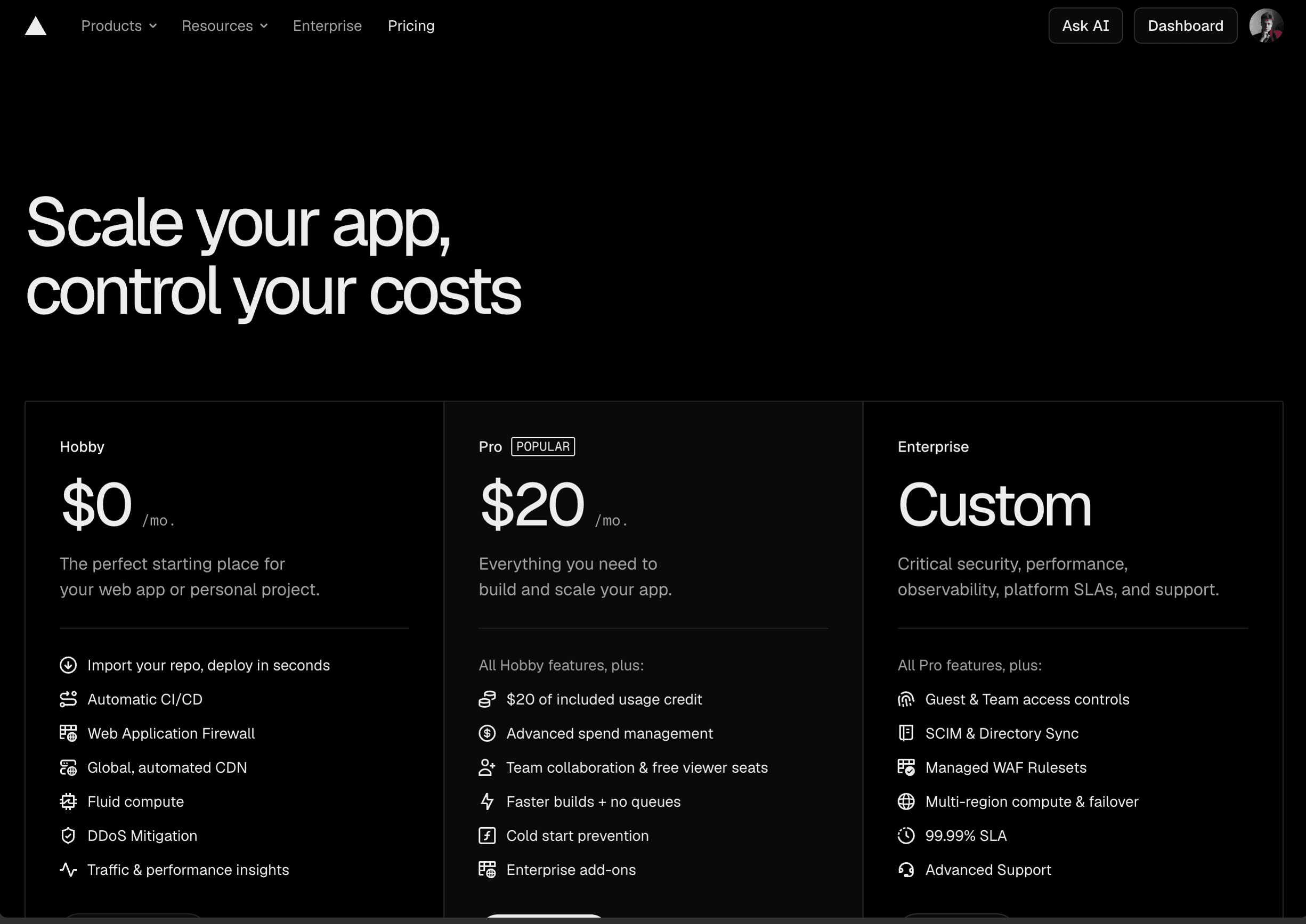
Vercel hosts your web application and handles deployments. It's where your site actually lives.
- Hobby plan: $0 for personal, non-commercial use
- Pro plan: starts at $20/month with included usage credit; usage beyond the allowance is billed separately
Database Hosting
Your app's data has to be stored somewhere reliable. The cost depends on how much data you have and how often it's accessed.
- Supabase: Free plan available; Pro starts at $25/month and includes compute credit for one Micro instance
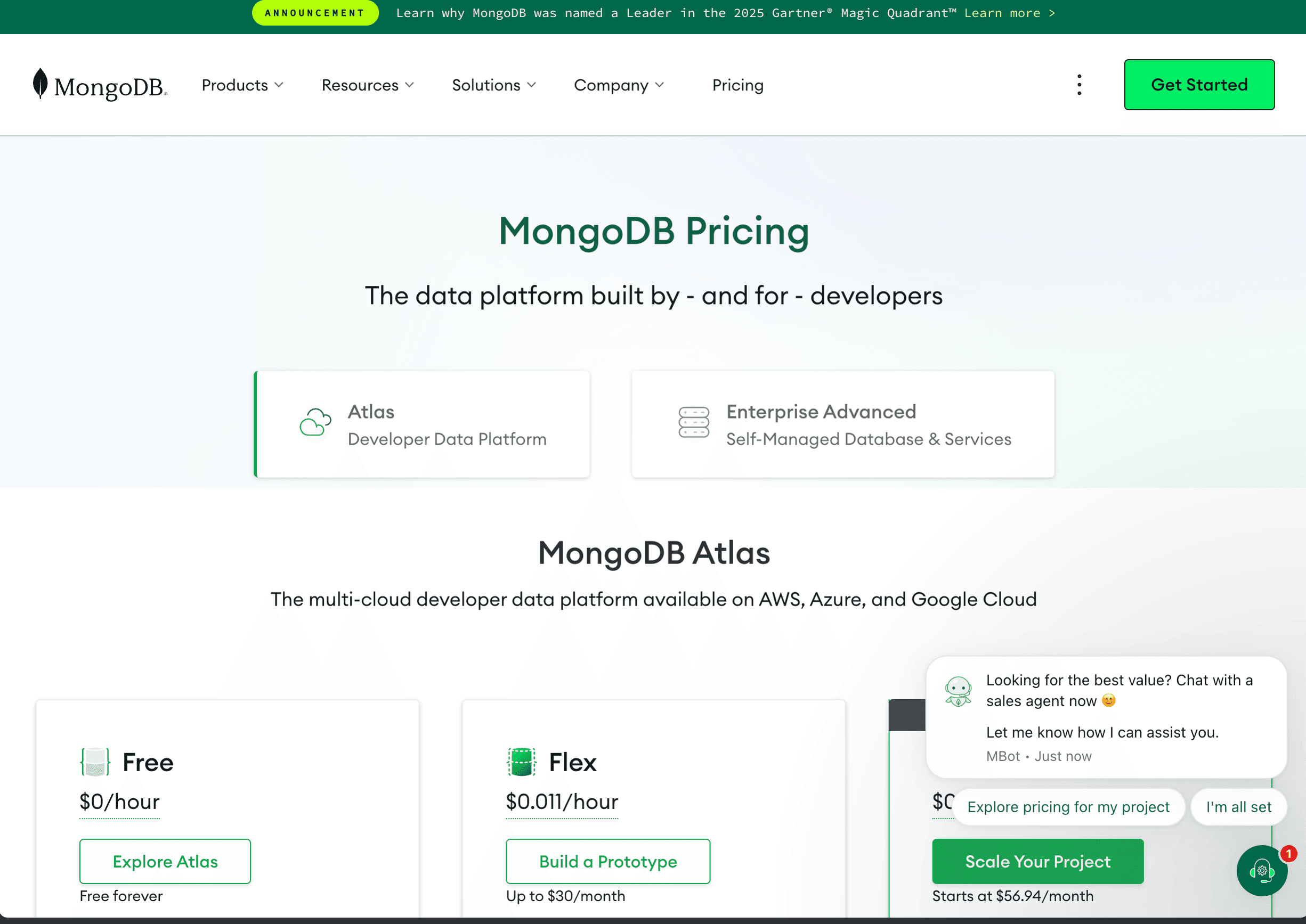
- MongoDB Atlas: Free cluster available; Flex is usage-based up to $30/month, while Dedicated clusters start around $60/month and vary by provider and region
AWS and Google Cloud / Firebase
These are the big cloud platforms. They offer enormous flexibility but can be harder to predict cost-wise because almost everything is usage-based.
- AWS: service-by-service, usage-based pricing; the total depends on the architecture, region, traffic, storage, and support plan
- Google Cloud / Firebase: a similar mix of free allowances and usage-based pricing, with each product publishing its own rates
DigitalOcean
DigitalOcean is known for simple, predictable pricing. Its Basic Droplets start at $4/month, with per-second billing and a monthly cap.
App Store Accounts
If your product includes a mobile app, you'll need developer accounts:
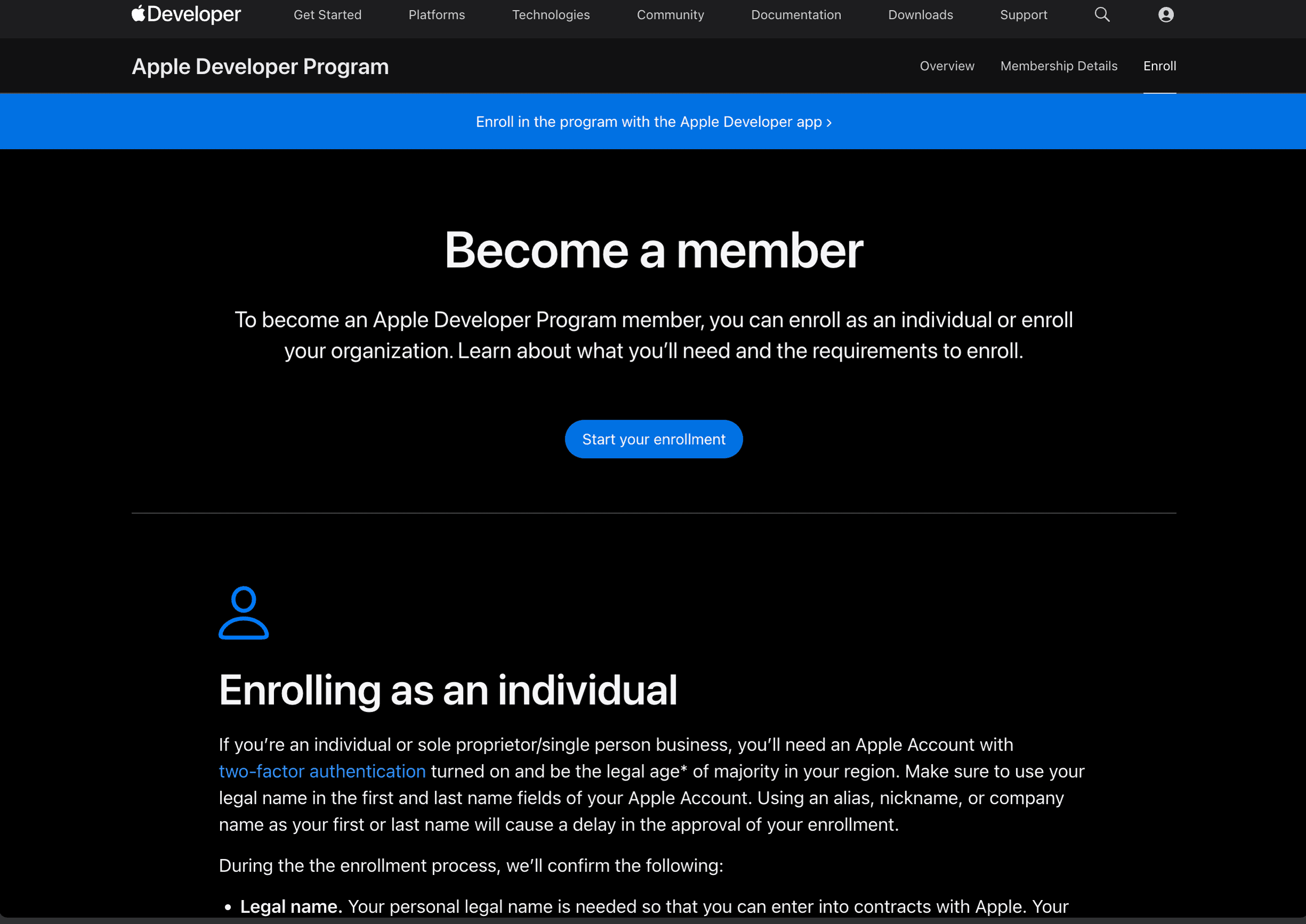
- Apple Developer Program: $99 per membership year, or local currency where available
- Google Play Console: $25 one-time registration fee for a standard developer account
What Makes Costs Go Up
Your hosting costs are tied to how much your product is used. If your app grows from 100 users to 10,000 users, your costs will grow too. But that's a good problem to have — it means your product is working and your business is growing.
Common reasons costs increase:
- More users — more people using your app means more compute and bandwidth
- More data — as your database grows, storage costs rise
- New features — adding video uploads, real-time chat, or complex reports can add new service costs
- Unused resources left running — Dev3 Studio monitors for this and shuts down anything that's not needed
- Additional environments — staging and testing servers cost money too, though usually less than production
- Premium support tiers — some platforms charge extra for priority support
How to Read a Cloud Bill
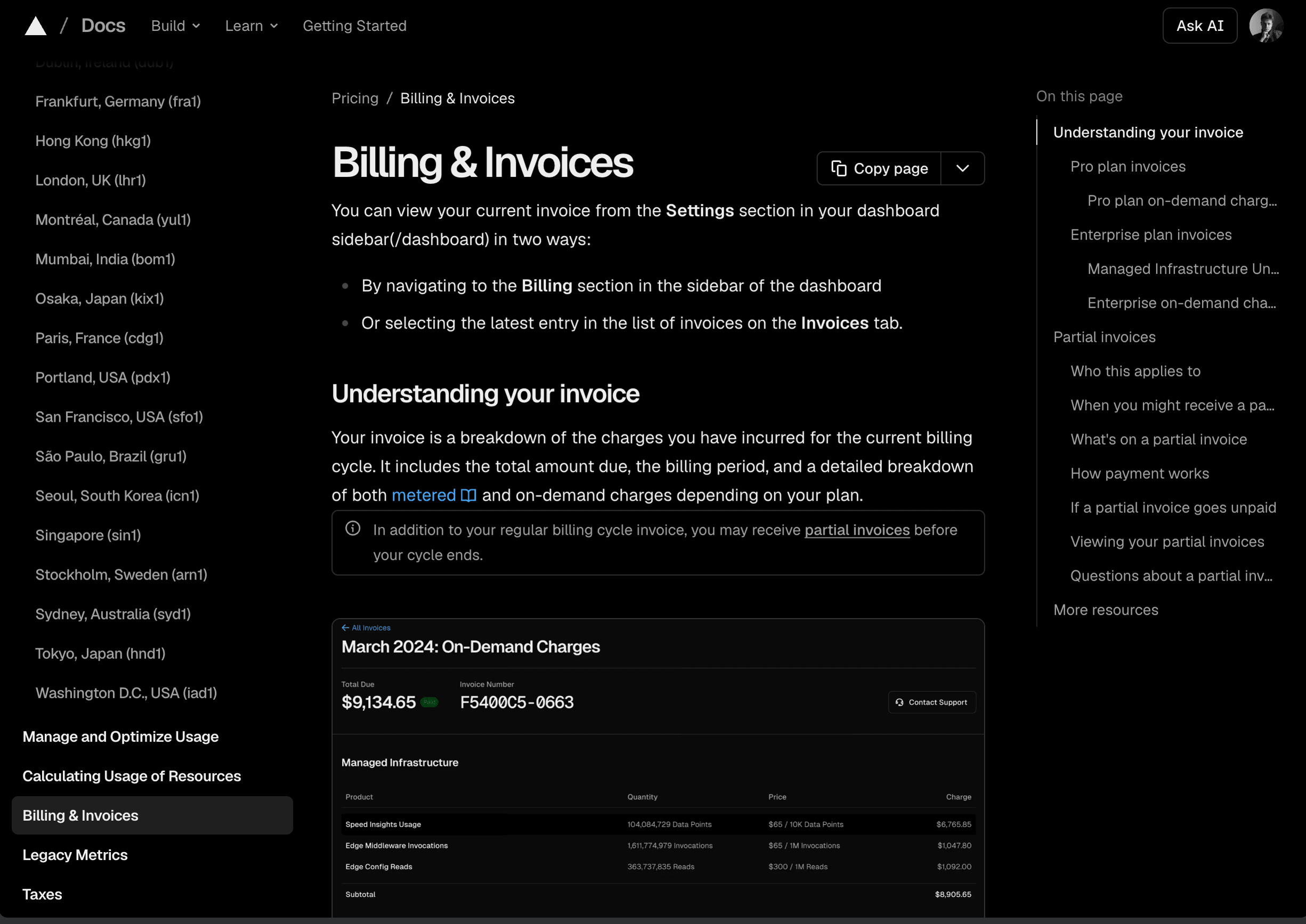
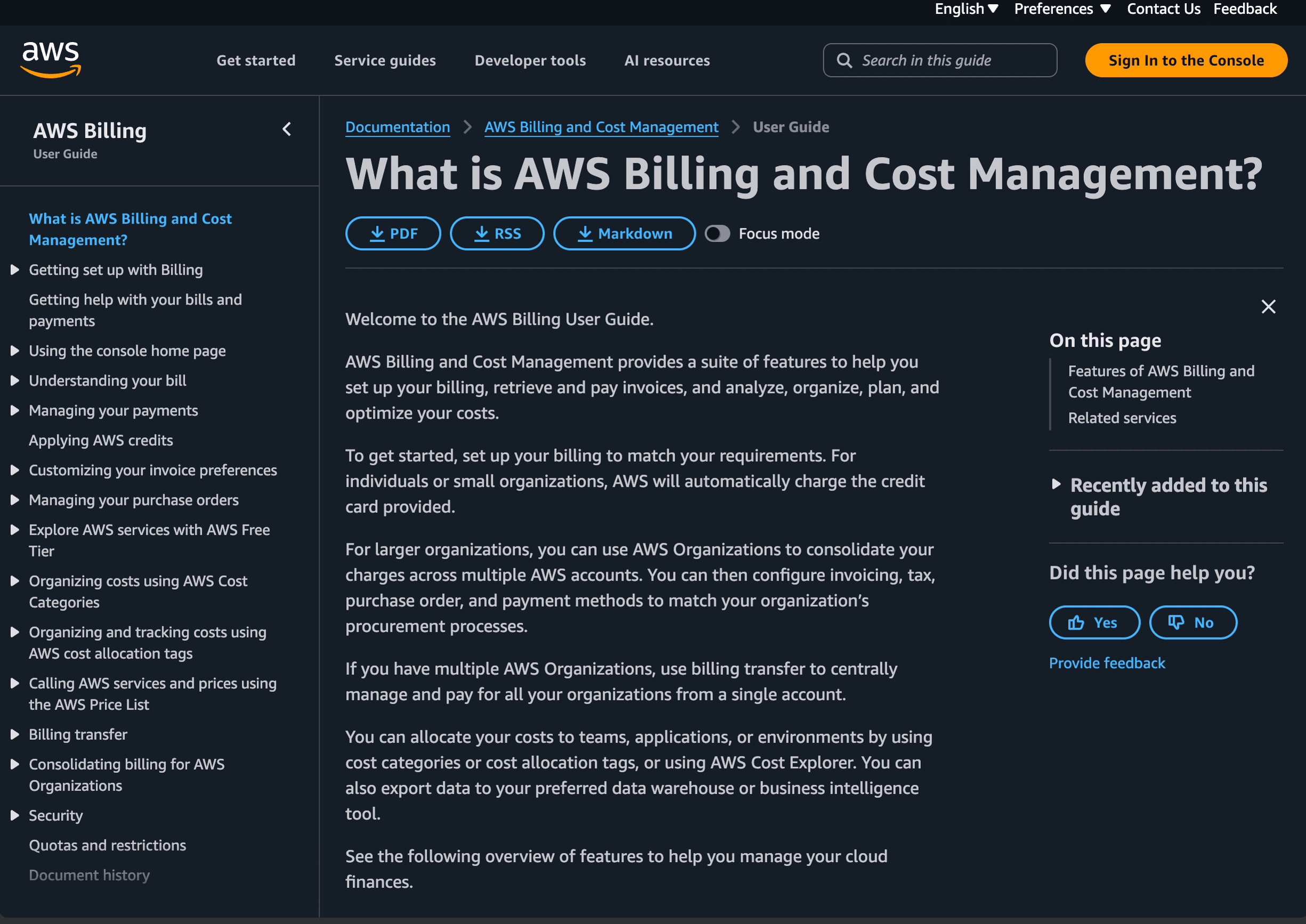
Cloud invoices can look intimidating at first — lots of line items with technical names. Here's what to look for:
- Service name — which platform or product the charge relates to (e.g., "Amazon EC2" or "Vercel Pro")
- Usage amount — how much of that service you consumed (e.g., hours of compute, gigabytes of storage)
- Unit cost — the price per unit
- Total — usage multiplied by unit cost
- Tax — VAT or other applicable tax
Don't worry if any of it looks unfamiliar. Dev3 Studio reviews these bills regularly and can walk you through every line item. If something looks off, just forward it to us — we'll explain it or investigate.
Setting Up Cost Alerts
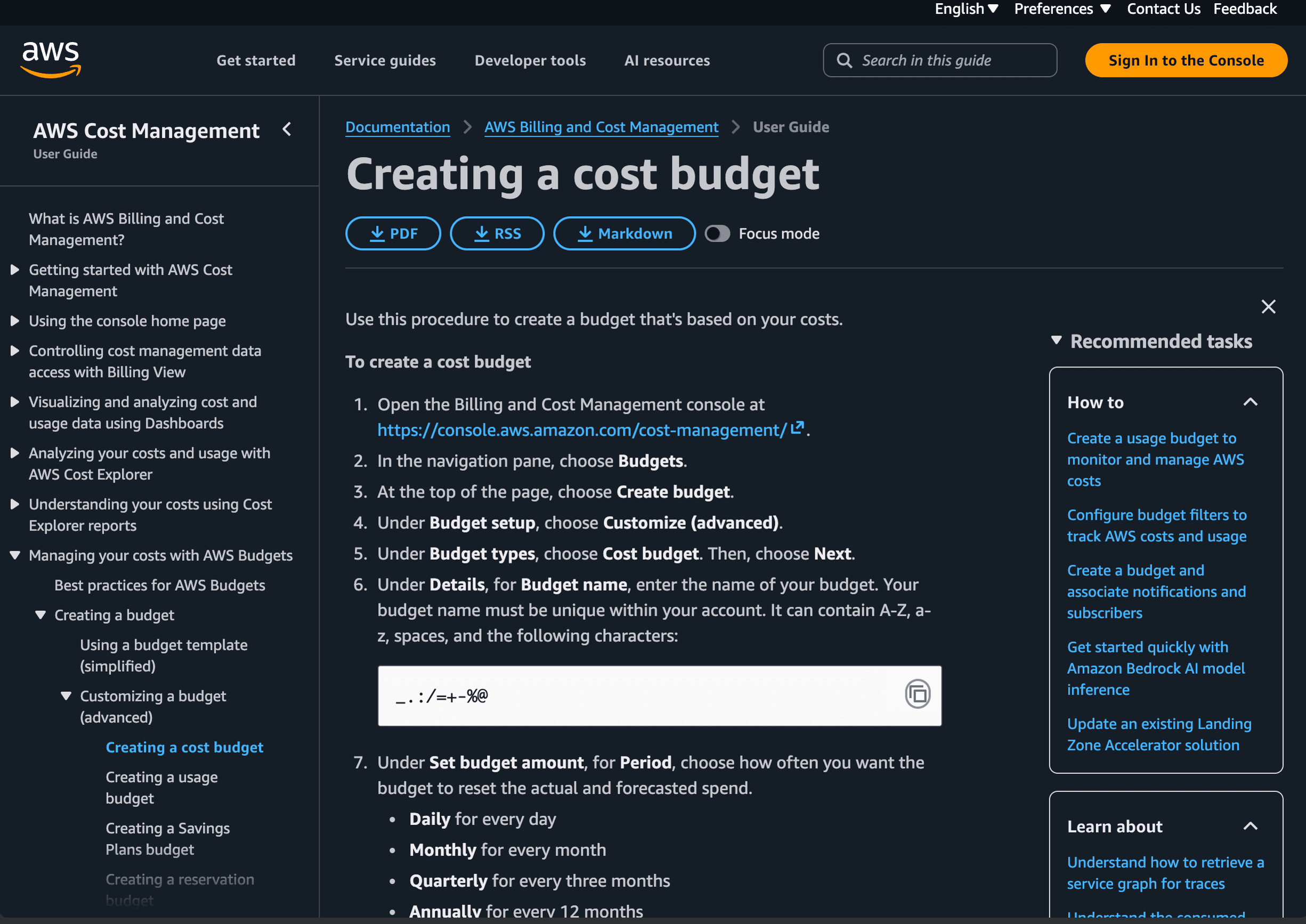
Most cloud platforms let you set spending limits or email alerts so you're never caught off guard by a surprise bill. Dev3 Studio sets these up during your initial project configuration.
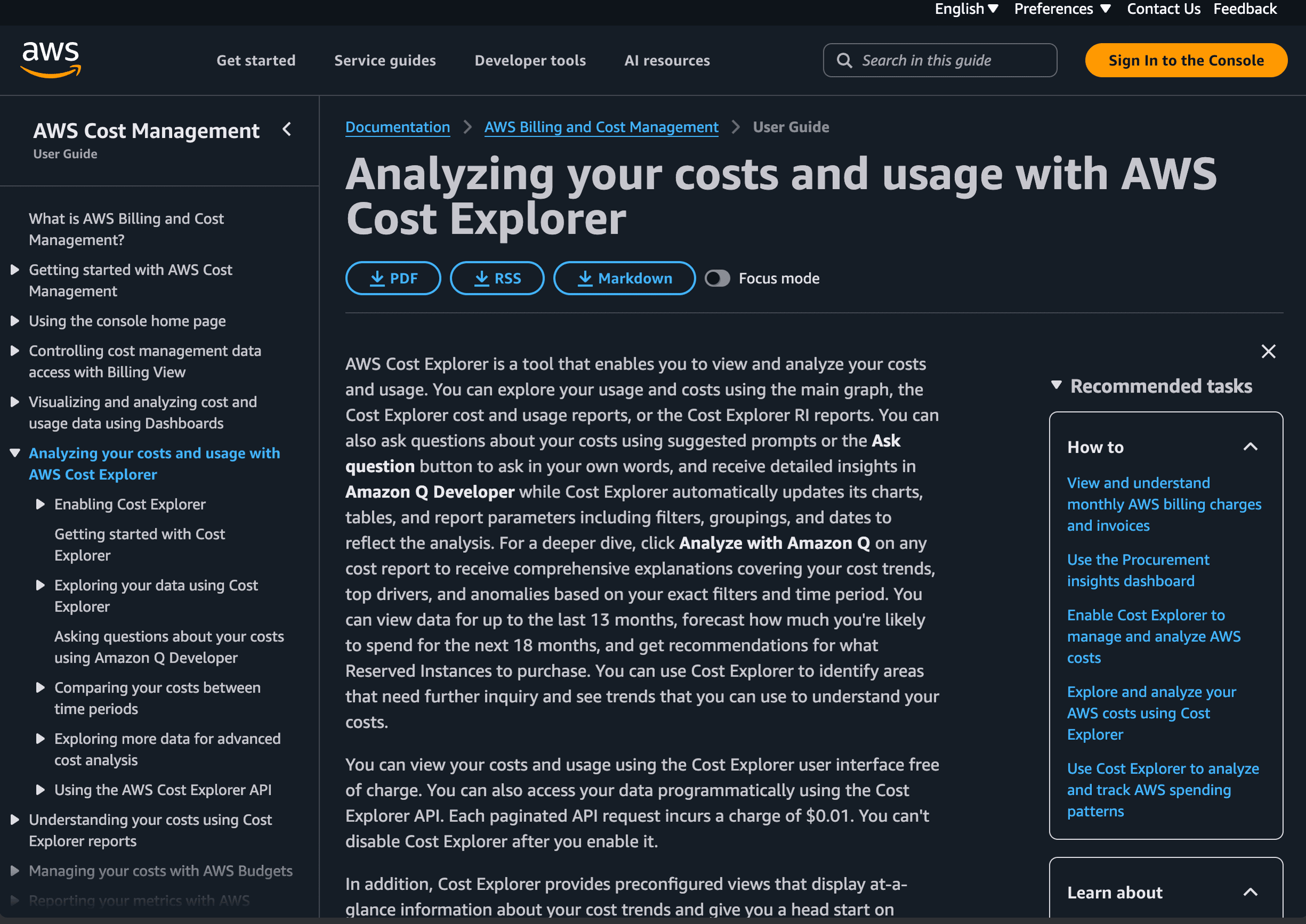
For example, AWS Budgets lets you define a monthly cost budget and notification thresholds. We covered this in detail in our AWS account setup guide — see Step 4 on budget alerts.
Similar alert features are available on Google Cloud, Vercel, and most other platforms. If you'd like alerts sent to your own email as well as ours, just let us know and we'll add you.
Tips for Keeping Costs Reasonable
Dev3 Studio handles all of this for you, but here's what we do behind the scenes to keep your bills sensible:
- Start on free tiers where possible and only upgrade when your usage requires it
- Scale gradually — we right-size your infrastructure to match your actual needs, not worst-case projections
- Clean up unused resources — old test servers, orphaned databases, and forgotten storage buckets add up
- Use CDNs like Cloudflare to reduce bandwidth costs by caching content closer to your users
- Choose the right plan for your actual usage rather than over-provisioning "just in case"
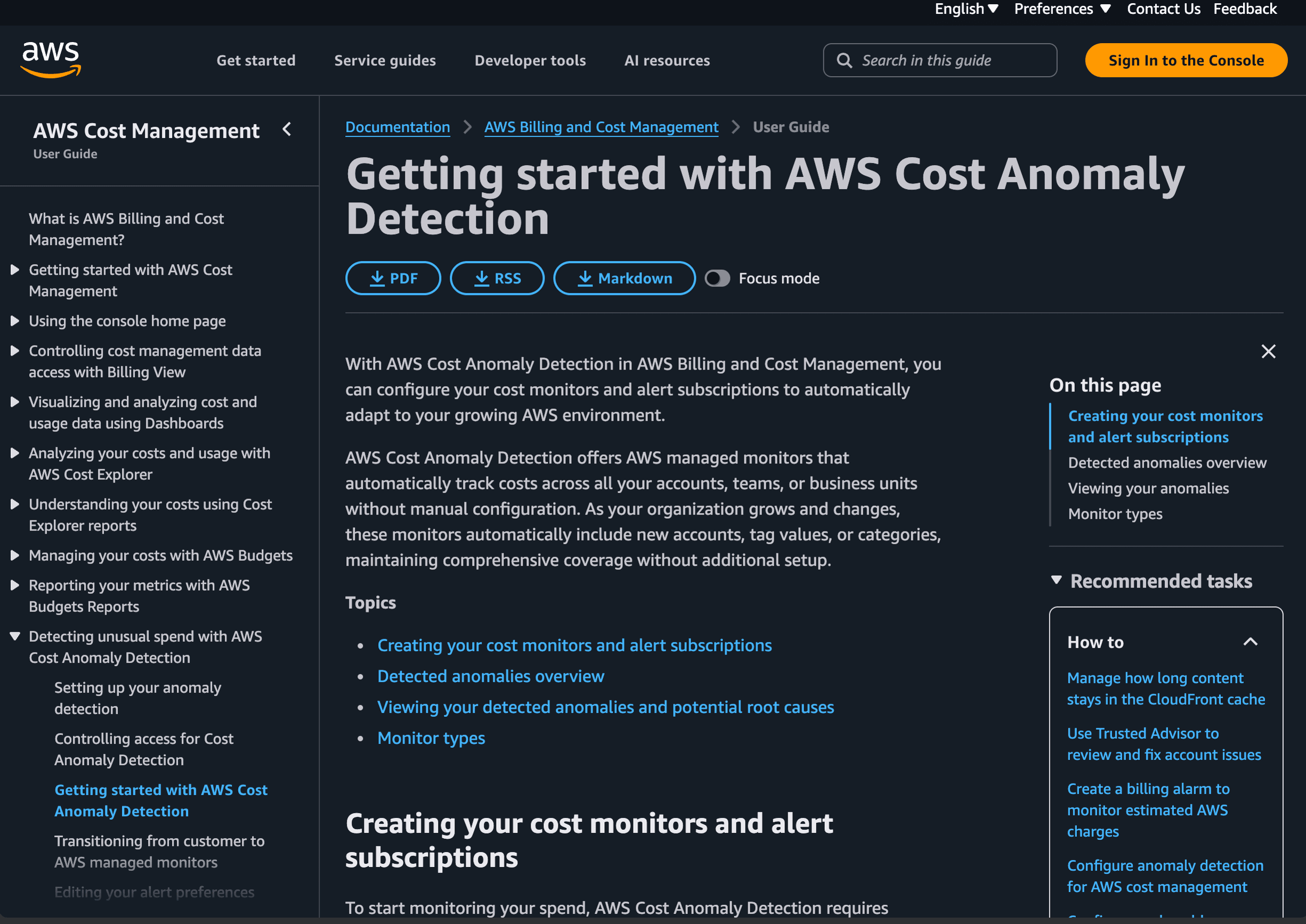
- Review bills monthly and catch anomalies early
When a Bill Should Raise a Question
If a bill is significantly higher than expected, don't panic. There's almost always a simple explanation:
- A traffic spike — usually good news. Your product got popular, a marketing campaign worked, or you were featured somewhere. Costs rose because more people used your app.
- A misconfigured resource — something was left running at a higher tier than needed. Easy to fix.
- A service tier upgrade — maybe you moved from a free plan to a paid one because you outgrew the limits.
Dev3 Studio monitors your costs proactively and will flag anything unusual before it becomes a problem. But if you spot something first, reach out — we're happy to investigate immediately.
You Don't Have to Figure This Out Alone
You don't need to become a cloud billing expert. That's our job. We set up your infrastructure with cost-efficiency in mind, monitor it regularly, and walk you through anything that needs your attention. If you ever have a question about a charge on your bill, just ask — we're always happy to explain.