
What Happens After Launch: Maintenance, Updates, and Support
The moment your product goes live feels like the end of a long journey — and now it's out in the world. But launch day isn't the finish line. It's the beginning of a new phase.
Think of it like opening a shop. The construction is done, but now you need to keep the lights on, the shelves stocked, and the doors working. The good news? Dev3 Studio stays with you through this phase. You're not on your own.
Keeping Things Running — Hosting and Uptime
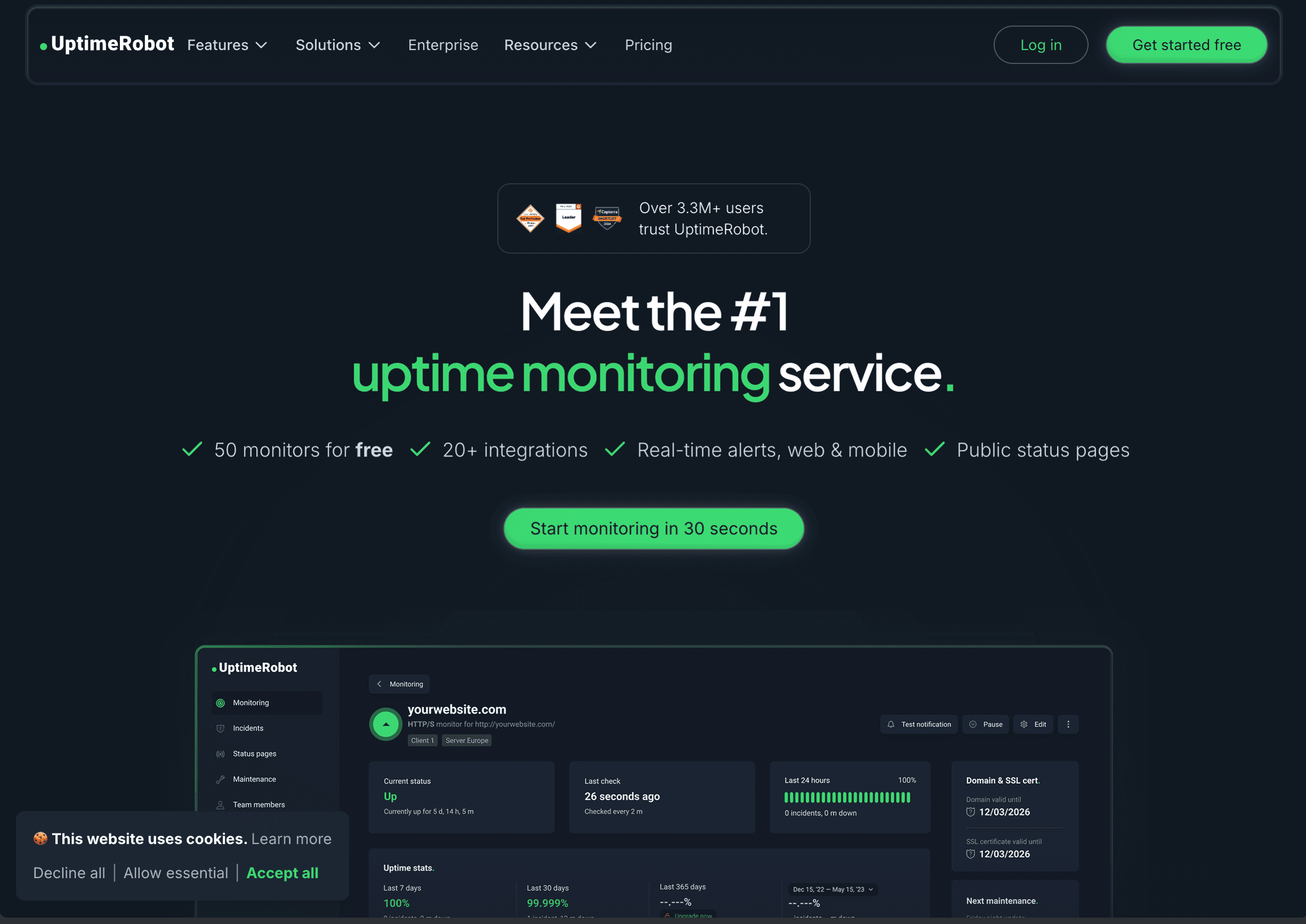
Your product runs on servers that need to stay online around the clock. Dev3 Studio monitors your hosting continuously using uptime dashboards and automated alerts that notify us the moment something looks off. If a server hiccup happens (rare, but it does), we're usually on it before you even know there's an issue.
Security Updates and Patches
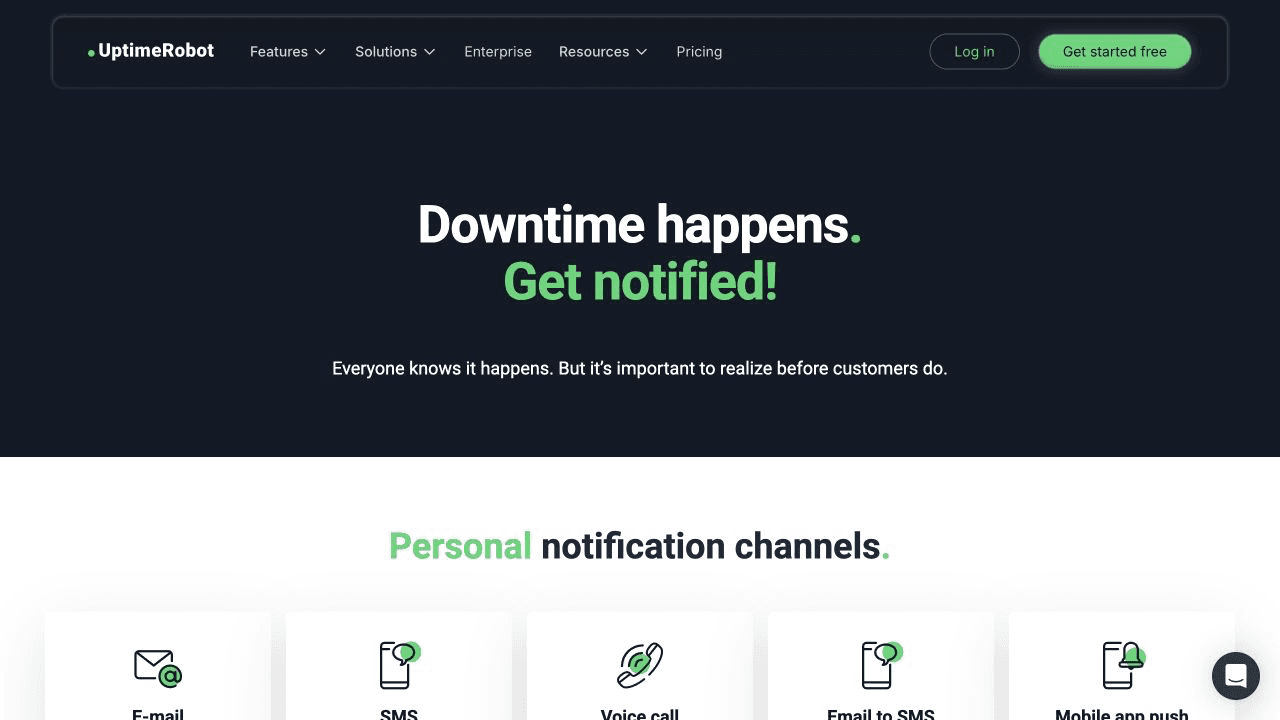
The internet isn't static. New security vulnerabilities are discovered regularly, and the software libraries your product is built on release patches to fix them. NIST treats patch management as preventive maintenance that reduces the risk of breaches and operational disruption.
Dev3 Studio handles these updates for you. We test each patch first to make sure it doesn't break anything, then apply it to your live product. This isn't optional maintenance — it's essential protection.
Bug Fixes
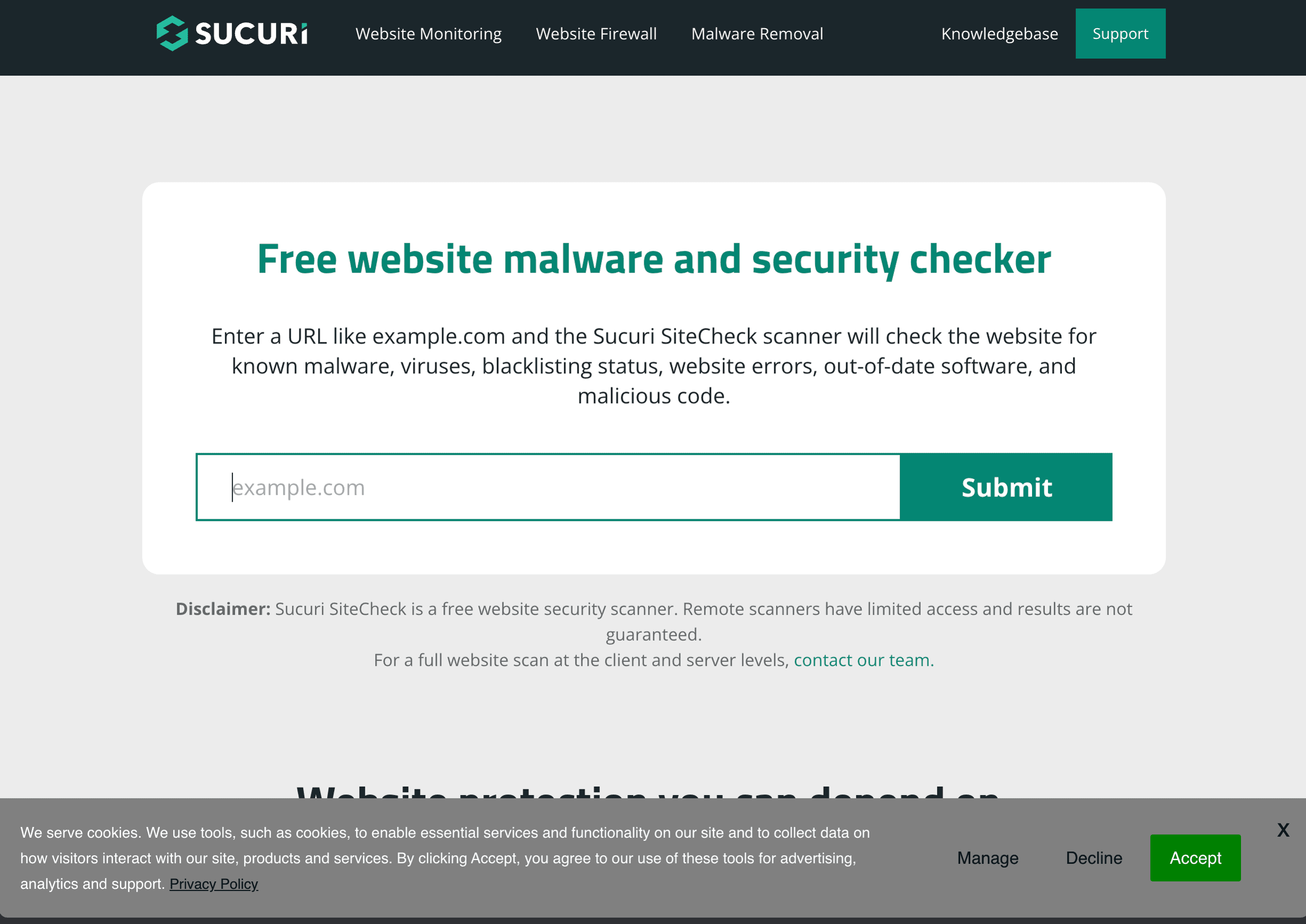
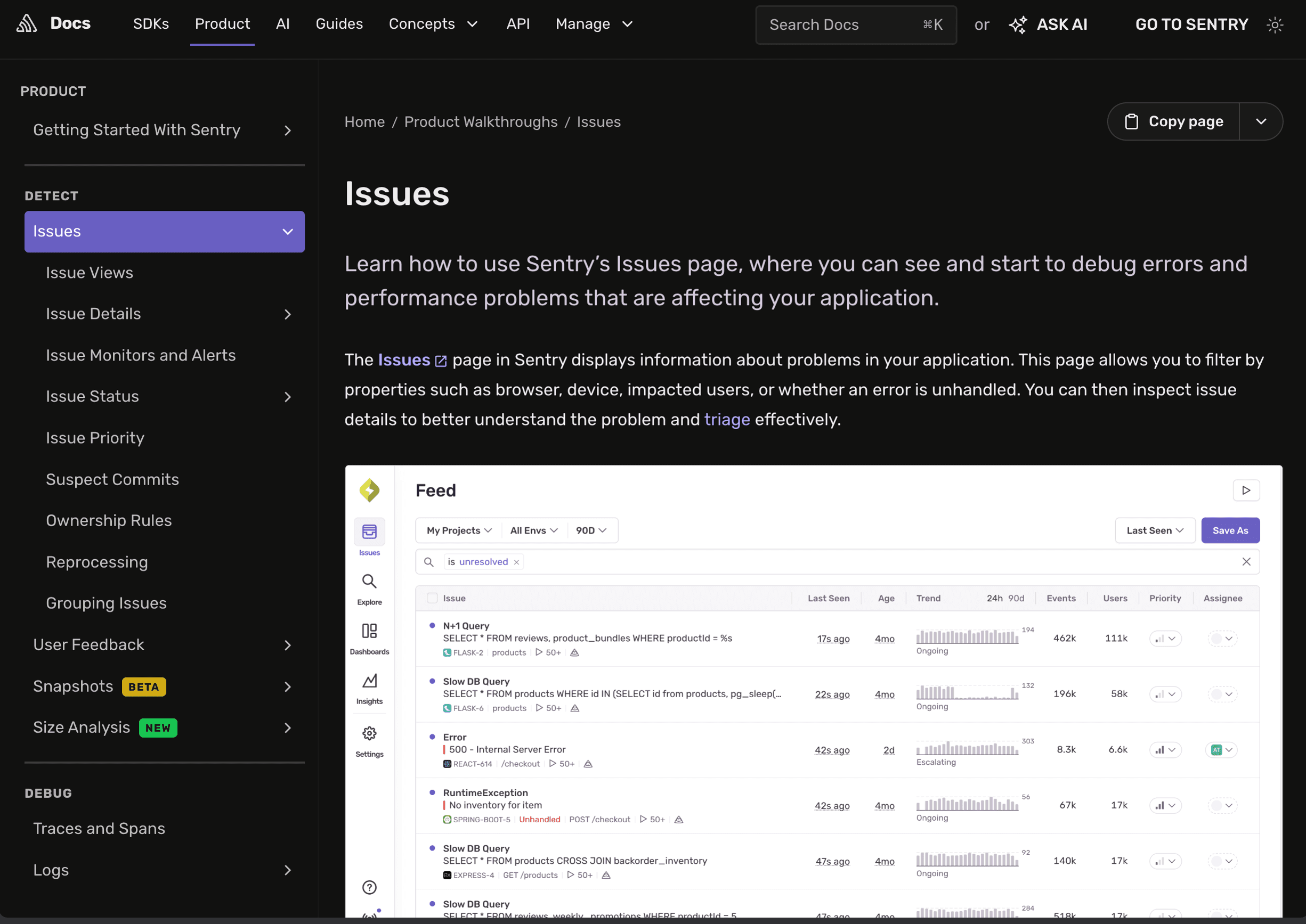
No software launches perfectly. Users will find edge cases and unexpected behaviours that didn't show up during testing. This is completely normal. When a bug is reported, Dev3 Studio follows a clear process:
- Report — you or a user lets us know something isn't working right
- Investigate — we reproduce the issue and find the cause
- Fix — we write and review the code change
- Test — we verify the fix works and hasn't broken anything else
- Deploy — we push the fix live, usually without any downtime for your users
Feature Updates and Improvements
Your product will evolve. Maybe you want to add a new page, change a workflow, or integrate with another service. These planned updates go through the same build-test-deploy cycle as the original product. Dev3 Studio works with you to prioritise what gets built next based on user feedback and business goals.
Performance Monitoring
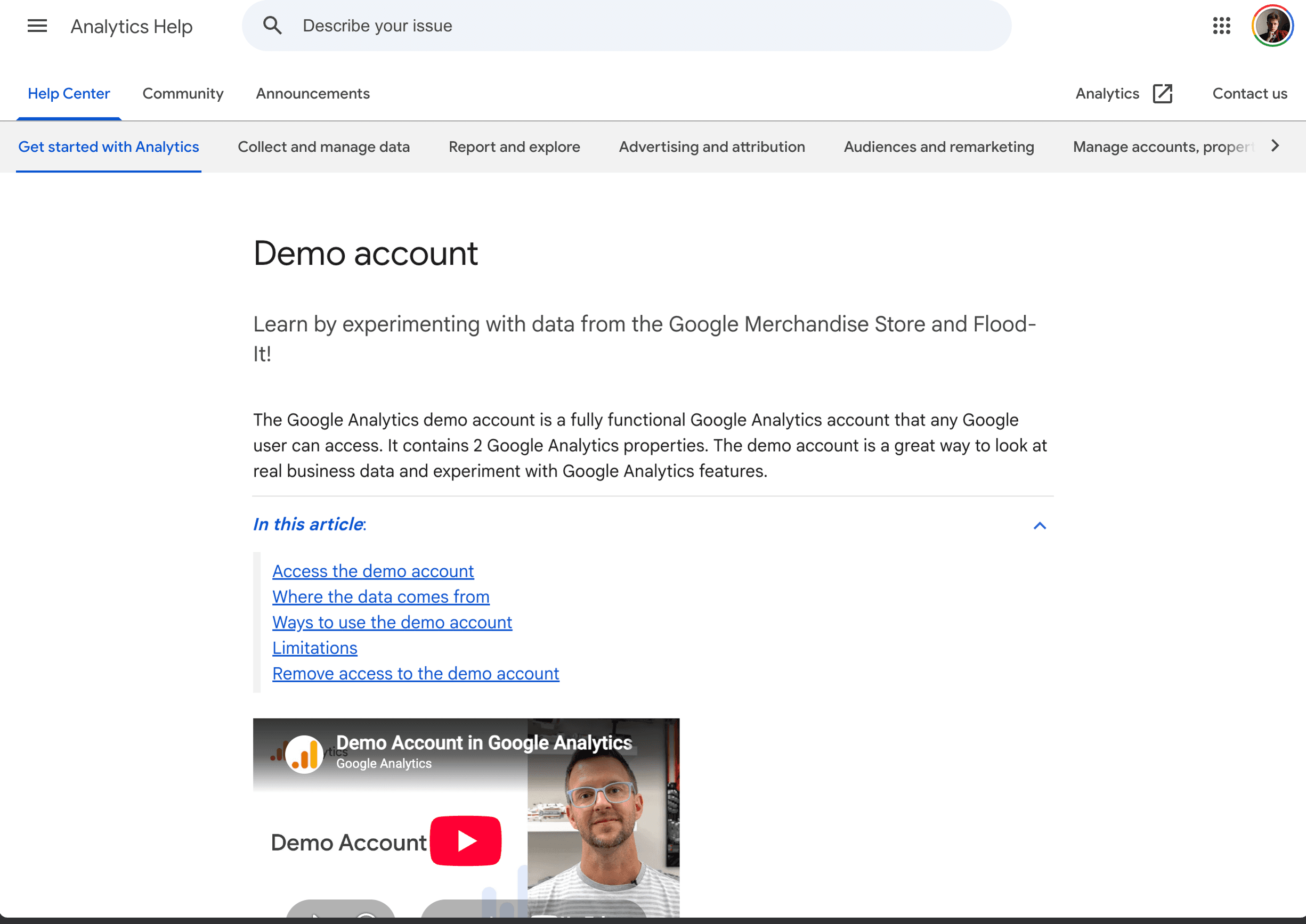
How fast does your product load? How many people are using it? Which features are most popular? Dev3 Studio tracks these metrics so you always have answers. We monitor things like:
- Page load times — how quickly your product responds when someone opens it
- Core Web Vitals — Google's field metrics for loading performance, responsiveness, and visual stability
- Usage patterns — which pages and features your users interact with most
If a page is loading slowly, we optimise it. If users are dropping off at a certain step, we investigate why.
Backups and Disaster Recovery
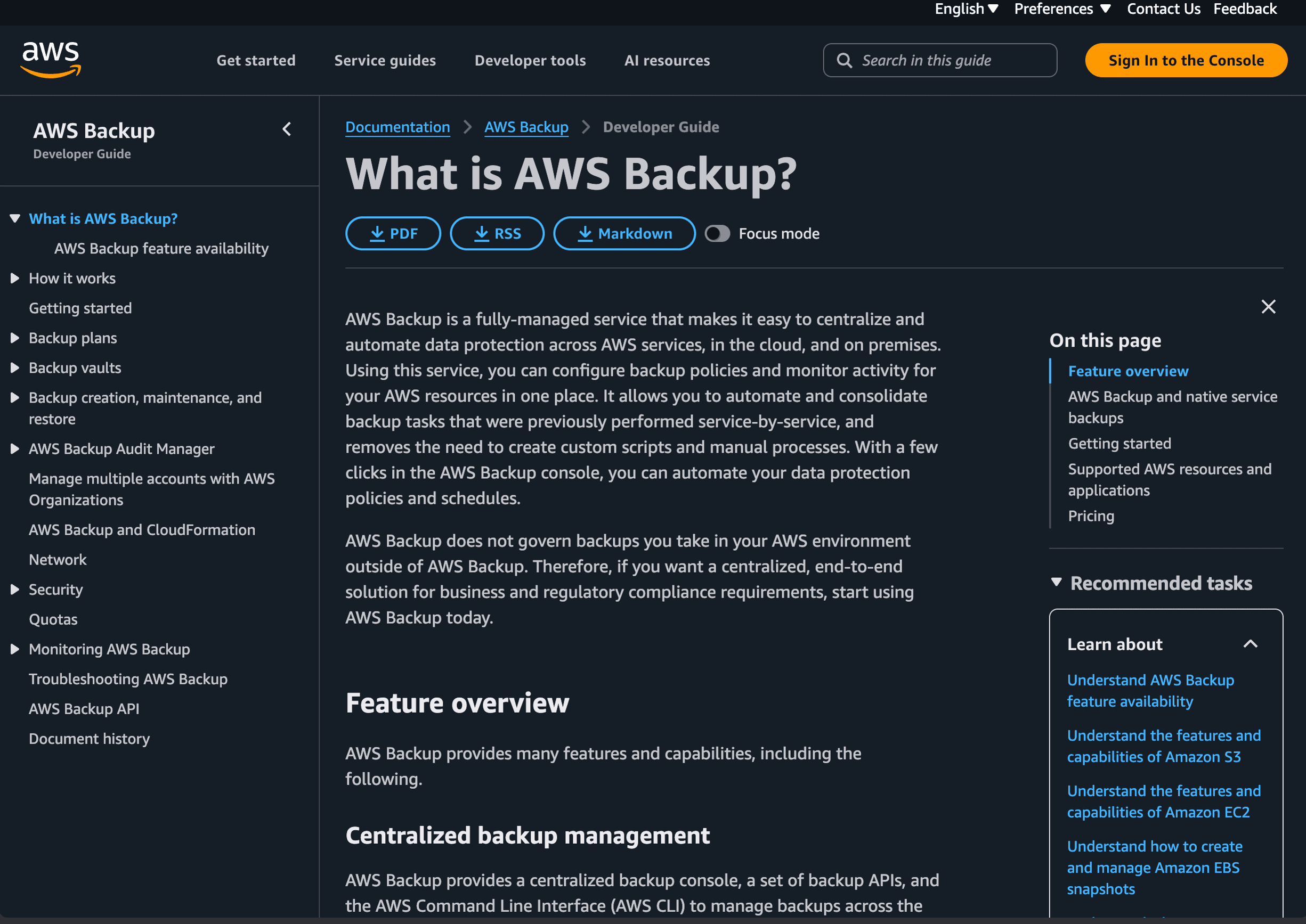
Your data is backed up on a schedule chosen for the product's recovery requirements—often daily or more frequently for critical systems. If something catastrophic happens, such as database corruption or accidental deletion, Dev3 Studio can restore from a recent recovery point. We also test the recovery process because security guidance recommends keeping protected backups and regularly verifying that they can be restored.
SSL Certificates and Domain Renewals
Your website's security certificate (the padlock in your browser) and your domain name both need periodic renewal. If either one lapses, your site could go down or show security warnings to visitors.
Dev3 Studio automates certificate renewal where the provider supports it, monitors expiry dates, and tracks domain renewals with the registrar. These controls materially reduce the risk of an avoidable outage, but domain ownership and valid billing details must remain under the client's control.
When to Reach Out to Dev3 Studio
Any time. Seriously.
- Something looks wrong on your site? Let us know.
- A user reported a strange error? Send it our way.
- You have an idea for a new feature? We'd love to hear it.
- You're not sure if something is a problem or not? Ask — there's no question too small.
It's always better to flag something early than to let a small issue grow.
What a Typical Month Looks Like
Here's what happens behind the scenes each month:
- Continuous monitoring — your systems are watched around the clock for uptime and performance
- Security patches — any necessary updates are tested and applied
- Performance review — we check load times, error rates, and usage trends
- Bug fixes — any reported issues are investigated and resolved
- Hosting and certificates — kept current and running smoothly
- Planned work — if there are new features or design updates in the pipeline, they happen on a schedule you agree on
You get a stable, secure product without needing to think about the technical details.
Your product is in good hands. Dev3 Studio doesn't disappear after launch — we stay alongside your product for as long as you need us. Our goal is for your technology to just work, so you can focus on running your business.