Payment Gateways in South Africa: PayFast, Yoco, Peach Payments, and Paystack Compared
If you want to accept payments on your website or app, you need a payment gateway. Think of it as a digital point-of-sale machine. When a customer clicks "Pay," the gateway verifies the card, checks for fraud, moves the money, and confirms the payment. Your customer sees a smooth checkout. You see the money in your bank account.
Dev3 Studio integrates whichever gateway fits your business best. Here's an honest look at the options in South Africa.
Pricing note: Fees, supported methods, and payout schedules can change. The figures below were checked against the providers' official pages on 18 July 2026; follow the embedded links for the latest terms and remember that quoted fees generally exclude VAT.
Why a South African Gateway Matters
You could use an international gateway like Stripe, but there are good reasons to go local:
- Local payment methods. Instant EFT is hugely popular in SA. Most international gateways don't support it.
- Pricing in Rands. No currency conversion headaches.
- Local settlement options. Providers can pay into South African bank accounts in rands, although payout timing varies by gateway and merchant setup.
- Local support. When something goes wrong, you want someone in your time zone who understands South African banking.
For most SA businesses, a local gateway is the practical choice.
The Major South African Gateways
PayFast
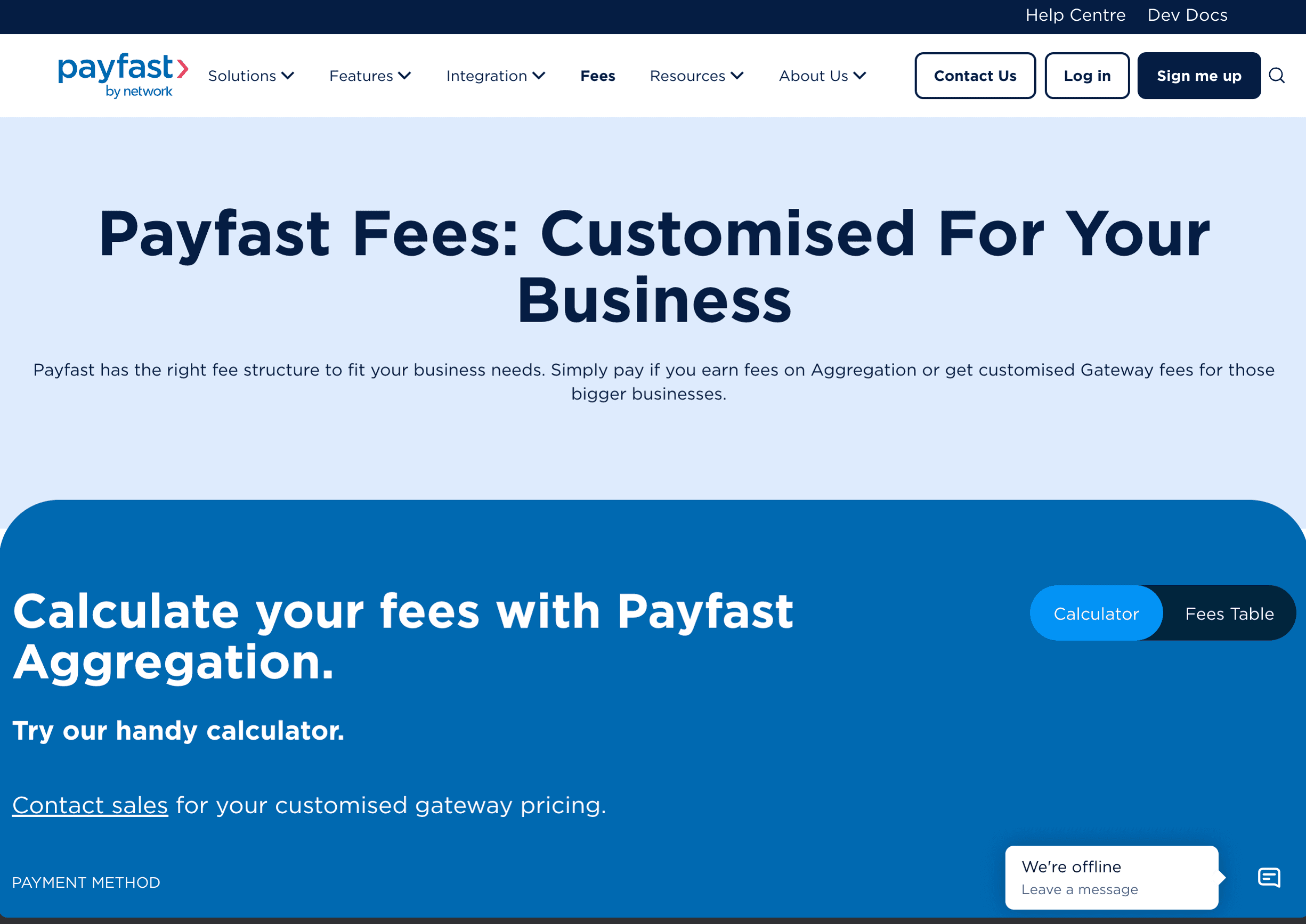
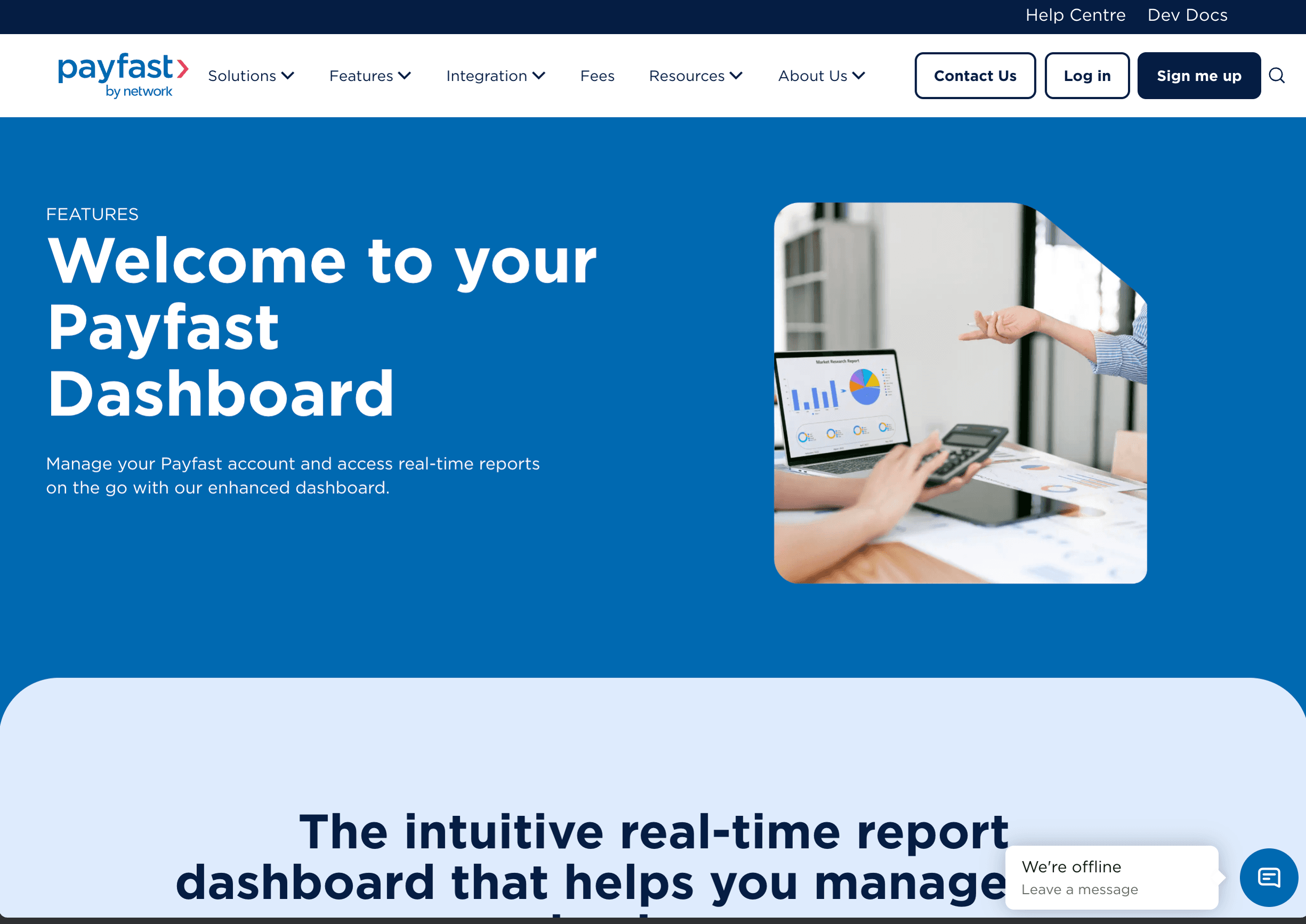
PayFast supports a broad range of local methods, including cards, Instant EFT, Capitec Pay, Mobicred, SnapScan, Apple Pay, Google Pay, and Samsung Pay.
On its Aggregation pricing, PayFast lists local card payments at 3.2% + R2.00 and Instant EFT at 2% with a R2.00 minimum, excluding VAT. There is no monthly gateway fee on that plan, but payout and refund fees apply; higher-volume merchants can request custom pricing.
Best for: E-commerce, once-off payments, and the widest range of local payment options.
Yoco
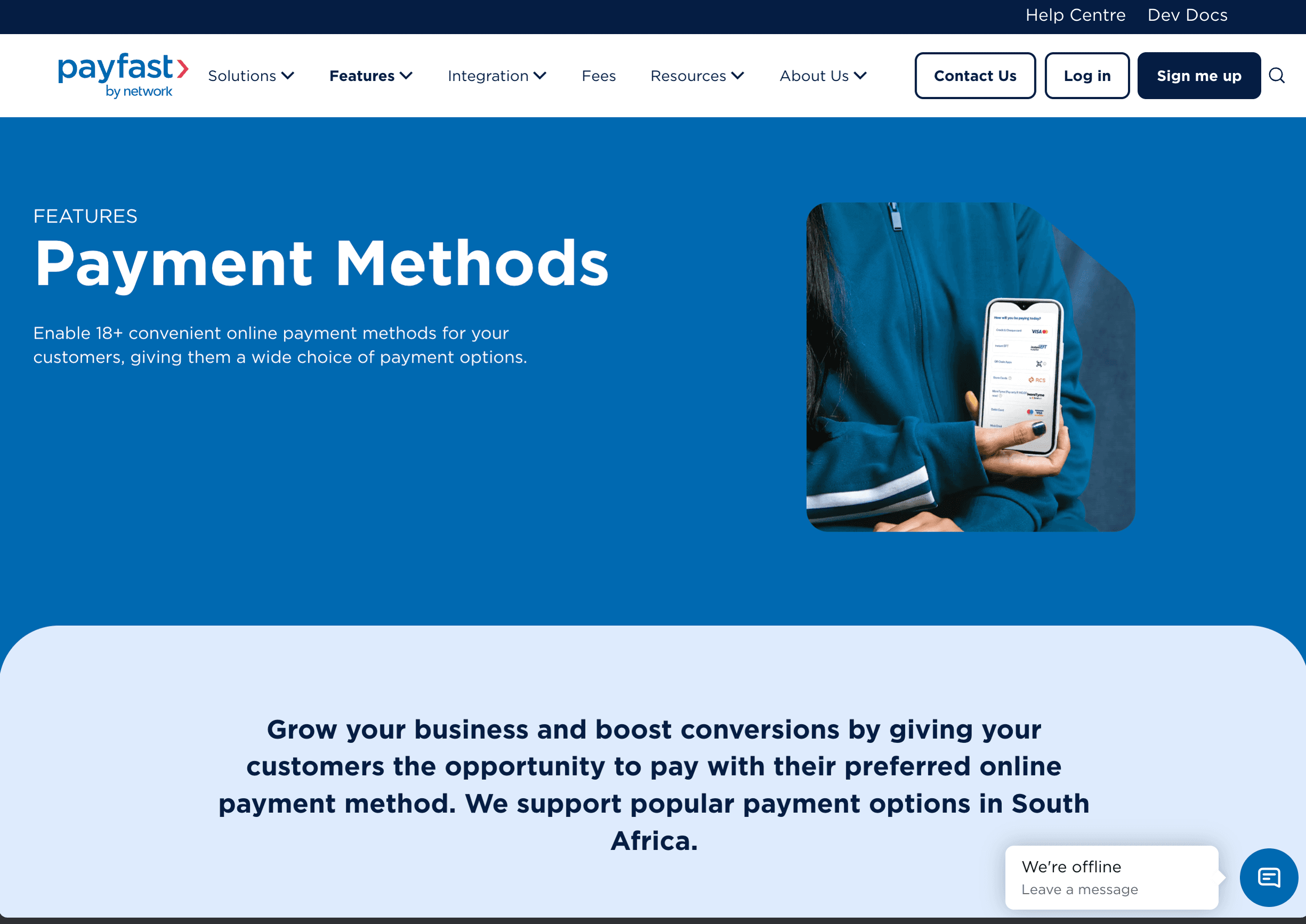
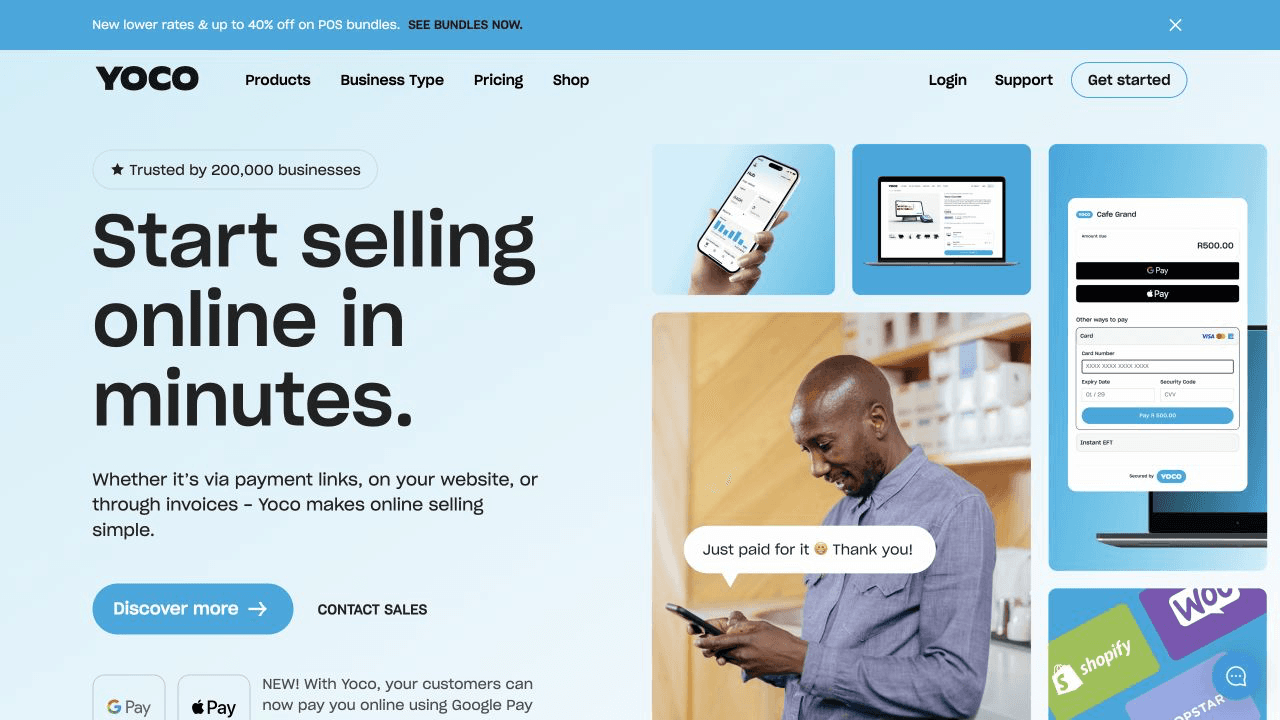
Originally known for physical card machines, Yoco now combines in-person and online payments. Its online checkout supports cards, Apple Pay, Google Pay, payment links, and integrations with common commerce platforms.
Yoco lists online transaction fees of 2.55–2.95%, excluding VAT, with no signup or monthly platform fee. Its gateway documentation says standard payouts can take up to two business days, with faster payout options available.
Best for: Businesses that want in-person and online payments from one provider, or those that value a polished checkout.
Peach Payments
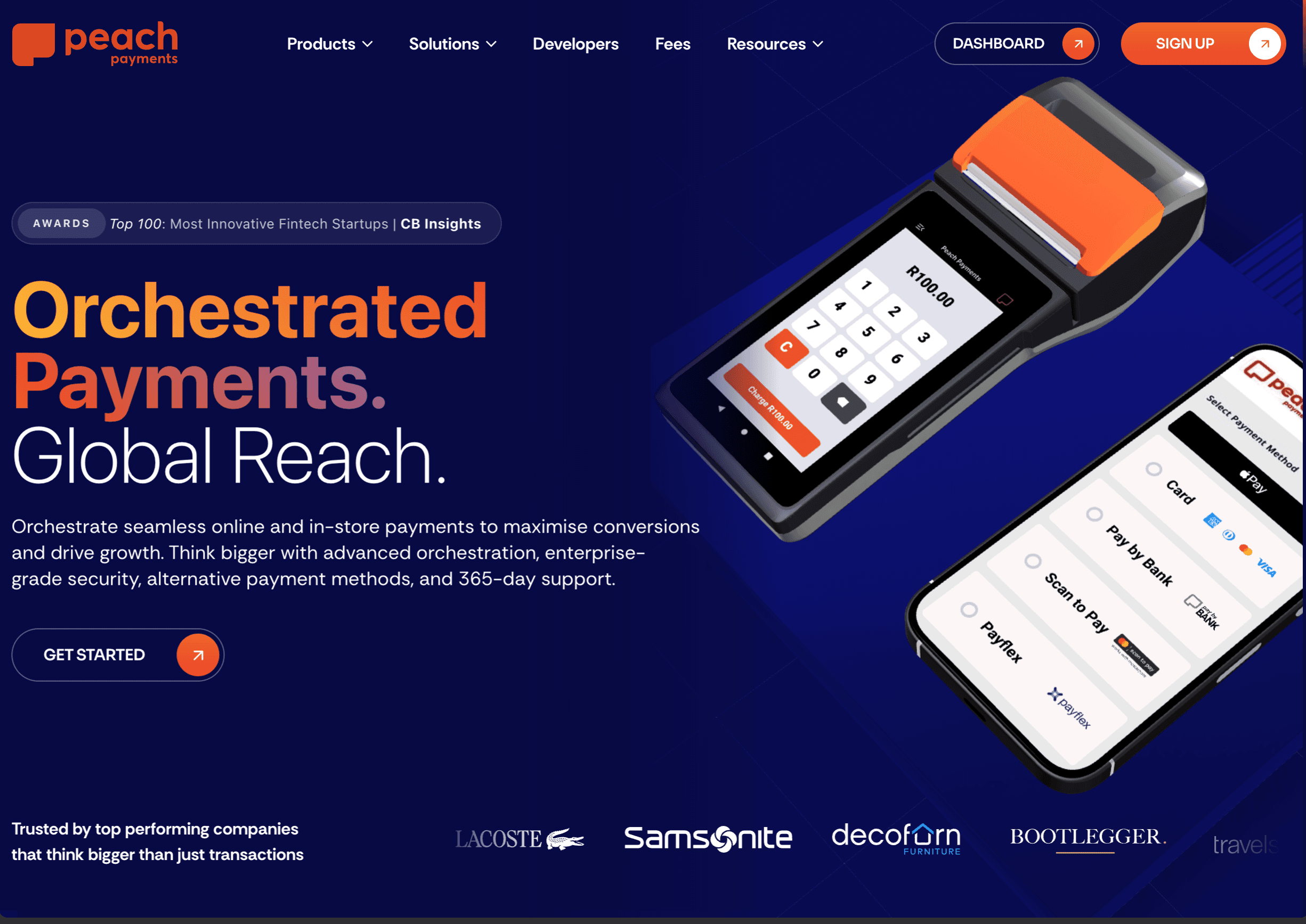
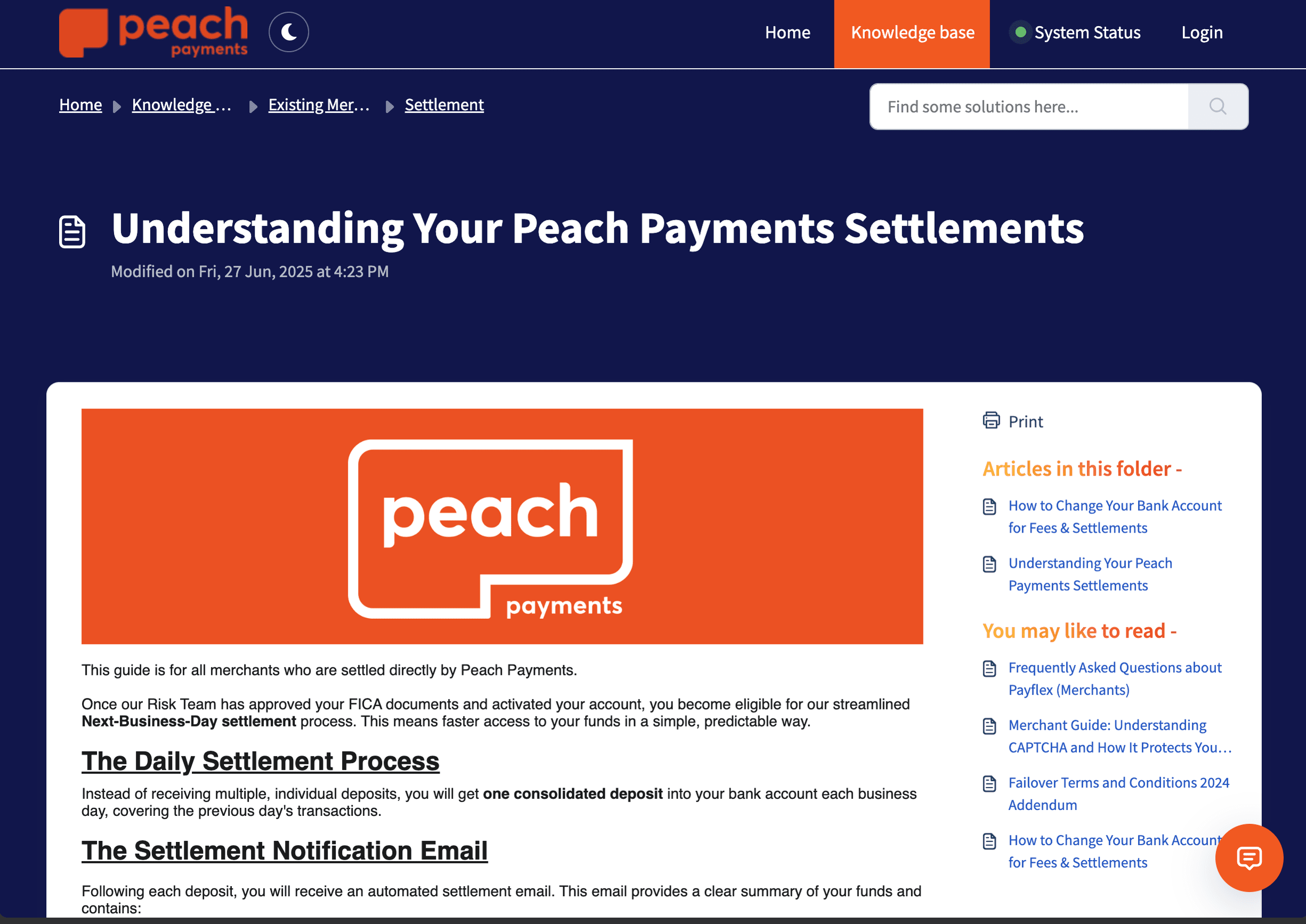
Peach serves growing and enterprise merchants and supports cards, Pay by Bank, Mobicred, Apple Pay, other digital wallets, and additional regional methods that vary by country.
Where Peach stands out is advanced functionality: tokenised recurring payments, one-click checkout, and multi-currency selling. Its South African Growth plan lists local 3-D Secure cards at 2.95% + R1.50 per transaction, excluding VAT, with free automated daily settlements; Enterprise pricing is volume-based.
Best for: Subscription businesses, high-volume e-commerce, and cross-border capability.
Paystack
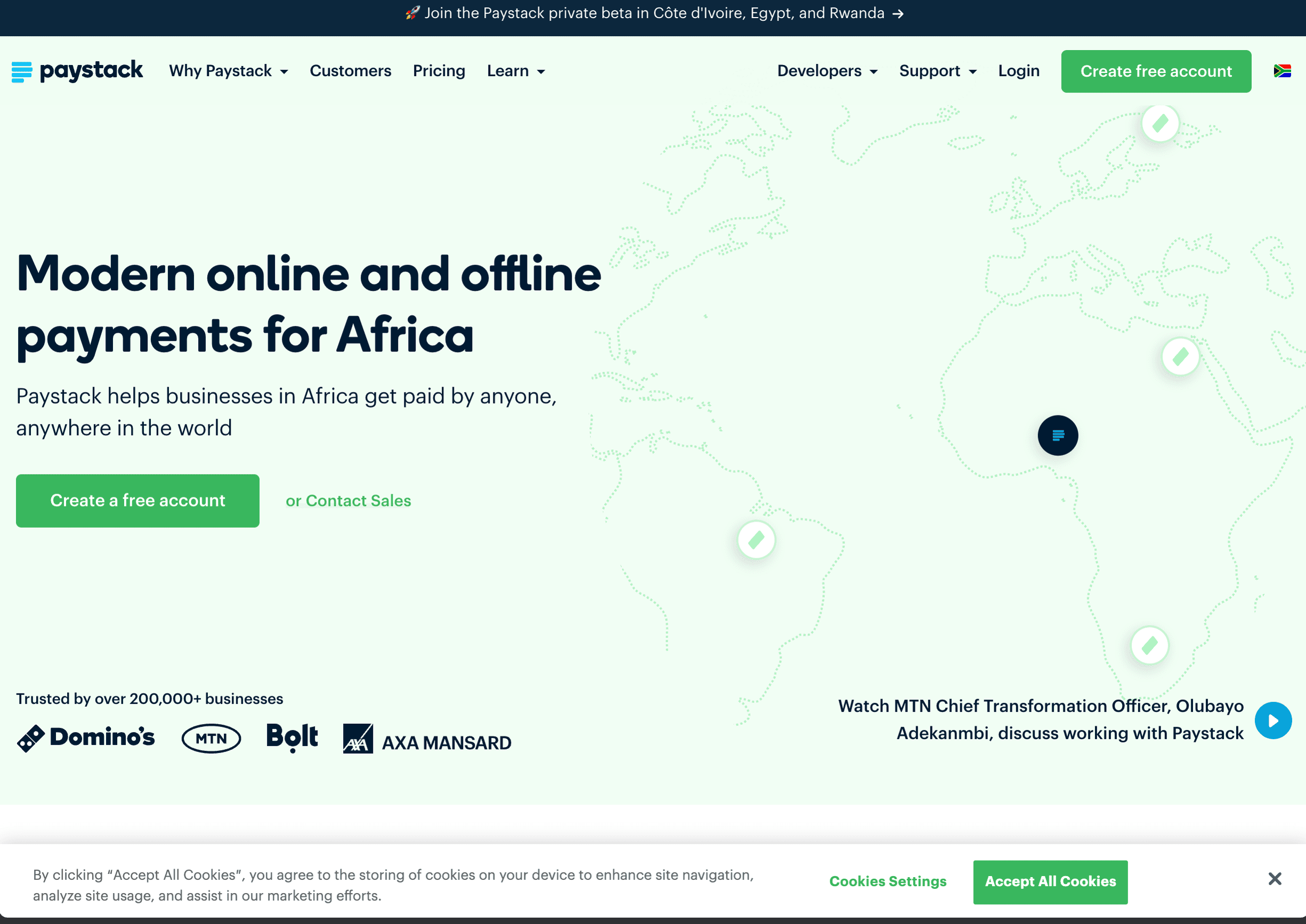
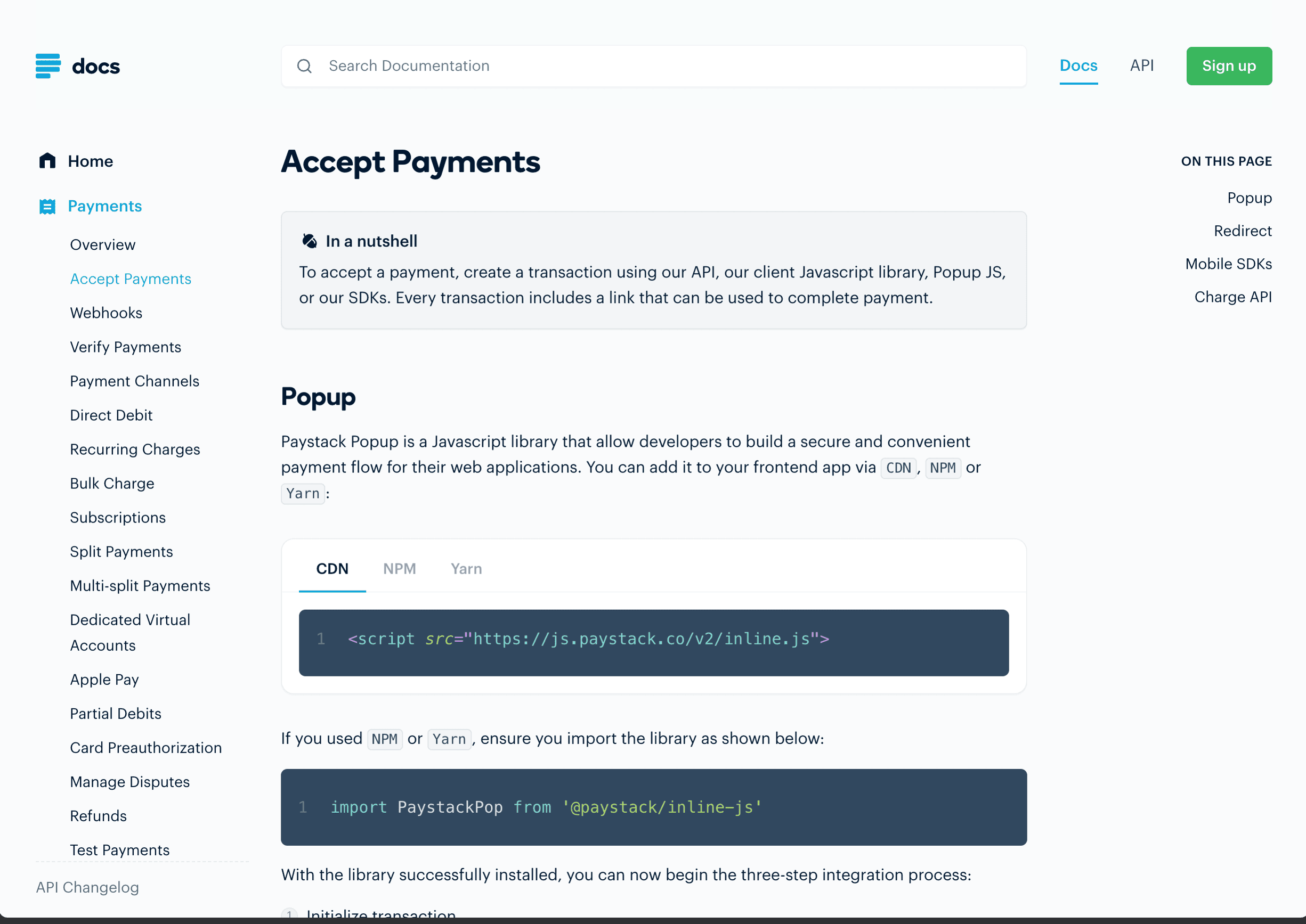
Paystack operates across several African markets, including South Africa, and supports cards, Capitec Pay, Ozow EFT, international payments, and Apple Pay.
Its South African pricing lists local transactions at 2.9% + R1.00, excluding VAT, while Capitec Pay and Ozow EFT are 2% with no flat fee. Standard payouts take two working days, and Paystack also provides card-based subscription billing.
Best for: Businesses targeting the broader African market and companies planning to expand to Nigeria, Ghana, or Kenya.
Quick Comparison
| Category | PayFast | Yoco | Peach Payments | Paystack |
|---|---|---|---|---|
| Transaction fees | 3.2% + R2.00 (cards) | 2.55–2.95% (online) | 2.95% + R1.50 (Growth) | 2.9% + R1.00 |
| Monthly fees | None on Aggregation | None for online payments | None on Growth; Enterprise fee applies | None |
| Settlement time | Varies by payout option | Up to two business days | Daily; next business day | Two working days |
| Card payments | Yes | Yes | Yes | Yes |
| Pay by bank / EFT | Yes | Yes | Yes | Yes |
| Mobile wallets (Apple/Google Pay) | Apple, Google, Samsung | Apple Pay, Google Pay | Apple Pay; others plan-dependent | Apple Pay |
| Subscription billing | Yes | Check product fit | Yes | Yes (cards) |
| Physical card machines | Yes | Yes | Yes | No |
| Best for | Broadest local payment methods | Online + in-person combined | Enterprise and subscriptions | Pan-African expansion |
What to Consider When Choosing
There's no single "best" gateway. The right choice depends on your business:
- What payment methods do your customers prefer? If instant EFT matters, make sure your gateway supports it.
- Do you need subscriptions or recurring billing? Peach, PayFast, and Paystack offer native options, but their supported payment methods and billing controls differ.
- Will you also need in-person payments? Compare PayFast, Yoco, and Peach's point-of-sale products alongside their online gateways.
- Are you selling outside South Africa? Peach and Paystack have stronger cross-border capabilities.
- What are your volumes? Higher volumes often qualify for negotiated rates.
- How quickly do you need your money? Compare standard settlement, instant-payout fees, weekends, reserves, and refund handling rather than relying on a single headline number.
Dev3 Studio can help you evaluate these factors and recommend the right fit.
What Dev3 Studio Handles
We integrate the gateway into your website or app:
- Secure checkout pages that match your brand
- Payment confirmation and receipt emails
- Webhook handling — your system knows instantly when a payment succeeds or fails
- Refund processing and subscription management
- Thorough testing before going live
A Note on PCI Compliance
Dev3 Studio prefers hosted checkout fields or tokenised integrations so raw card numbers do not pass through your application. That can reduce your PCI DSS validation burden, but it does not automatically remove every responsibility: PCI SSC explains that merchants still need to confirm which requirements and self-assessment questionnaire apply to their integration. We verify the gateway's current integration guidance before implementation.
Getting Started
Merchant onboarding for most SA gateways requires company registration documents (from CIPC), a South African bank account, proof of address, and ID of the business owner or director. Approval typically takes a few business days. Dev3 Studio can guide you through the application or handle the technical integration while you sort out the merchant account.
Choosing the right payment gateway depends on your business, your customers, and how you plan to grow. Dev3 Studio has experience integrating all four of these gateways — and others. Tell us how you want to accept payments, and we'll recommend the option that fits best and handle the entire integration.